
Magento 2 comes with a nice swagger schema which describes the Webapi. The Magento guys were very clever to choose swagger. It not only comes with a schema, but moreover it is a complete interactive API client as well.
A swagger schema is a JSON document to formalize the REST API. Formalized documents have the big advantage that you can process the data with a machine. One idea I had was to create a PHP API for the Magento 2 API. Fortunately the swagger guys created a code generator tool. I really like the idea to generate code out of the schema. The swagger code-gen tool comes with support for multiple languages. PHP is one of the standard languages.
The code generator tool can be found here: http://swagger.io/swagger-codegen/
If you are on a mac it’s possible to install the code generator with homebrew.
brew install swagger-codegen
After the installation you can test the tool with the help command.
swagger-codegen help
On my machine i can see this help output. Works!
usage: swagger-codegen-cli <command> [<args>]

The most commonly used swagger-codegen-cli commands are:
    config-help   Config help for chosen lang
    generate      Generate code with chosen lang
    help          Display help information
    langs         Shows available langs
    meta          MetaGenerator. Generator for creating a new template set and configuration for Codegen.  The output will be based on the language you specify, and includes default templates to include.
    version       Show version information

See 'swagger-codegen-cli help <command>' for more information on a specific
command.
Run the generator
Now we are able to run the code generator. I used the schema from public developer documentation. You can also use your own schema from an existing installation.
swagger-codegen generate -i http://devdocs.magento.com/swagger/schemas/latest-2.1.schema.json -l php
cd SwaggerClient-php
composer install --prefer-dist
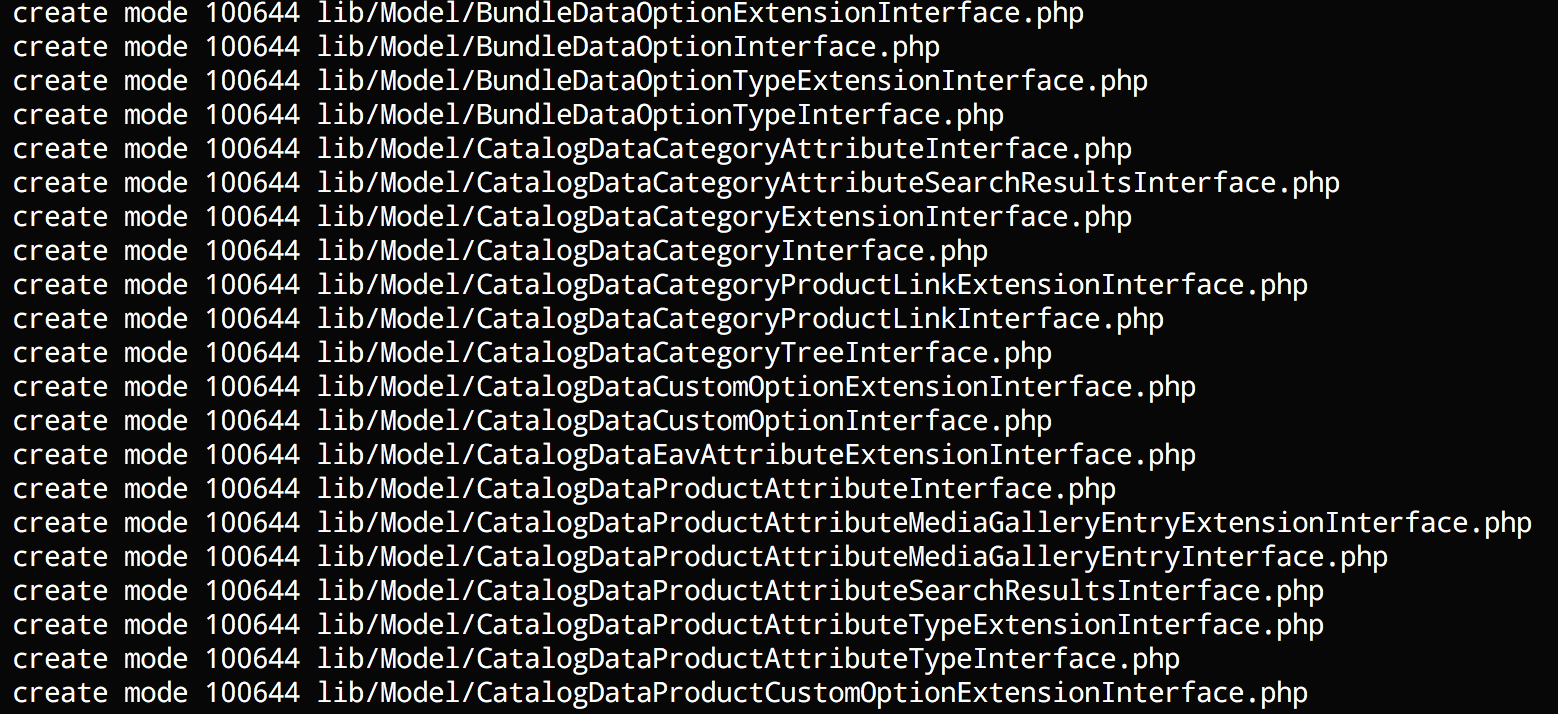
You should see a long list of generated classes like this:
Run test unit tests
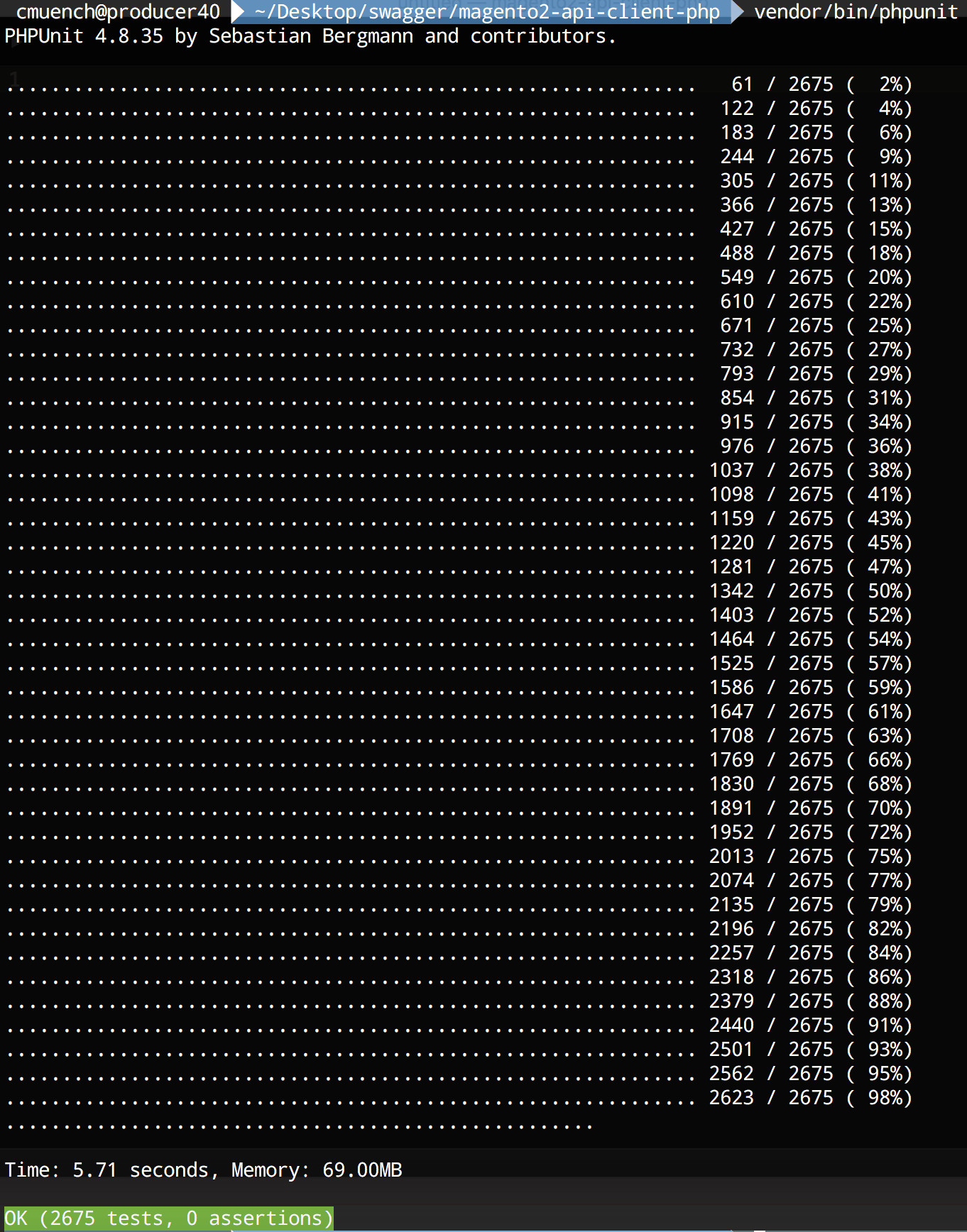
After the code generation is done, we should run the generated unit tests. You can run the tests by typing vendor/bin/phpunit in the project folder.
Test the new generated client
After that we can try our freshly generated API client library.
As an example we will fetch all the installed Magento modules of our shop instance.
<?php
require_once __DIR__ . '/vendor/autoload.php';

$baseUrl = '{{YOUR_SHOP_URL}}/rest';
$token = 'bearer {{YOUR_API_TOKEN}}';

$config = new \Swagger\Client\Configuration();
$config->setHost($baseUrl);
$config->addDefaultHeader('Authorization', $token);

$apiClient = new \Swagger\Client\ApiClient($config);

$apiInstance = new \Swagger\Client\Api\BackendModuleServiceV1Api($apiClient);

try {
    $result = $apiInstance->backendModuleServiceV1GetModulesGet();
    print_r($result);
} catch (Exception $e) {
    echo $e->getMessage();
}
Save the script as installed_modules.php and replace {{YOUR_SHOP_URL}} with a local or remote shop url and {{YOUR_API_TOKEN}} with a API bearer token of your user. A brief description about the generation of API-Tokens can be found in the developer documentation topic “Token-based authentication“.
Now run the script with php installed_modules.php.
On my local machine I am getting this output:
Array
(
    [0] => Magento_Store
    [1] => Magento_AdvancedPricingImportExport
    [2] => Magento_Directory
    [3] => Magento_Theme
    [4] => Magento_Backend
    [5] => Magento_Backup
    [6] => Magento_Eav
    [7] => Magento_Customer
    [8] => Magento_BundleImportExport
    [9] => Magento_AdminNotification
    [10] => Magento_CacheInvalidate
    [11] => Magento_Indexer
    [12] => Magento_Cms
    [13] => Magento_CatalogImportExport
    [14] => Magento_Catalog
    [15] => Magento_Rule
    [16] => Magento_Msrp
    [17] => Magento_Search
    [18] => Magento_Bundle
    [19] => Magento_Quote
    [20] => Magento_CatalogUrlRewrite
    [21] => Magento_Widget
    [22] => Magento_SalesSequence
    [23] => Magento_CheckoutAgreements
    [24] => Magento_Payment
    [25] => Magento_Downloadable
    [26] => Magento_CmsUrlRewrite
    [27] => Magento_Config
    [28] => Magento_ConfigurableImportExport
    [29] => Magento_CatalogInventory
    [30] => Magento_SampleData
    [31] => Magento_Contact
    [32] => Magento_Cookie
    [33] => Magento_Cron
    [34] => Magento_CurrencySymbol
    [35] => Magento_CatalogSearch
    [36] => Magento_CustomerImportExport
    [37] => Magento_CustomerSampleData
    [38] => Magento_Deploy
    [39] => Magento_Developer
    [40] => Magento_Dhl
    [41] => Magento_Authorization
    [42] => Magento_User
    [43] => Magento_ImportExport
    [44] => Magento_Sales
    [45] => Magento_CatalogRule
    [46] => Magento_Email
    [47] => Magento_EncryptionKey
    [48] => Magento_Fedex
    [49] => Magento_GiftMessage
    [50] => Magento_Checkout
    [51] => Magento_GoogleAnalytics
    [52] => Magento_GoogleOptimizer
    [53] => Magento_GroupedImportExport
    [54] => Magento_GroupedProduct
    [55] => Magento_Tax
    [56] => Magento_DownloadableImportExport
    [57] => Magento_Braintree
    [58] => Magento_Integration
    [59] => Magento_LayeredNavigation
    [60] => Magento_Marketplace
    [61] => Magento_MediaStorage
    [62] => Magento_ConfigurableProduct
    [63] => Magento_MsrpSampleData
    [64] => Magento_Multishipping
    [65] => Magento_NewRelicReporting
    [66] => Magento_Newsletter
    [67] => Magento_OfflinePayments
    [68] => Magento_SalesRule
    [69] => Magento_OfflineShipping
    [70] => Magento_PageCache
    [71] => Magento_Captcha
    [72] => Magento_Paypal
    [73] => Magento_Persistent
    [74] => Magento_ProductAlert
    [75] => Magento_Weee
    [76] => Magento_ProductVideo
    [77] => Magento_CatalogSampleData
    [78] => Magento_Reports
    [79] => Magento_RequireJs
    [80] => Magento_Review
    [81] => Magento_BundleSampleData
    [82] => Magento_Rss
    [83] => Magento_DownloadableSampleData
    [84] => Magento_Authorizenet
    [85] => Magento_OfflineShippingSampleData
    [86] => Magento_ConfigurableSampleData
    [87] => Magento_SalesSampleData
    [88] => Magento_ProductLinksSampleData
    [89] => Magento_ThemeSampleData
    [90] => Magento_ReviewSampleData
    [91] => Magento_SendFriend
    [92] => Magento_Ui
    [93] => Magento_Sitemap
    [94] => Magento_CatalogRuleConfigurable
    [95] => Magento_Swagger
    [96] => Magento_Swatches
    [97] => Magento_SwatchesSampleData
    [98] => Magento_GroupedProductSampleData
    [99] => Magento_TaxImportExport
    [100] => Magento_TaxSampleData
    [101] => Magento_GoogleAdwords
    [102] => Magento_CmsSampleData
    [103] => Magento_Translation
    [104] => Magento_Shipping
    [105] => Magento_Ups
    [106] => Magento_UrlRewrite
    [107] => Magento_CatalogRuleSampleData
    [108] => Magento_Usps
    [109] => Magento_Variable
    [110] => Magento_Version
    [111] => Magento_Webapi
    [112] => Magento_SalesRuleSampleData
    [113] => Magento_CatalogWidget
    [114] => Magento_WidgetSampleData
    [115] => Magento_Wishlist
    [116] => Magento_WishlistSampleData
    [117] => N98_Tutorial
    [118] => N98_Tutorial2
)
Conclusion
That’s it. We have a full functional REST API client in PHP to call Magento 2 instances. The generated code is not perfect but very usable.
You can try it by yourself. For all lazy developers we pushed the code in a public github repository.
https://github.com/netz98/magento2-swagger-api-client-demo
Have fun!

– Creator of n98-magerun
– Fan of football club @wormatia
– Magento user since version 0.8 beta
– 8x certified Magento developer
– PHP Top 1.000 developer (yes, I’m PHP4 certified and sooooo old)
– Chief development officer at netz98