Category: General

  • PSR-7 Standard – Part 2 – Request and URI

    PSR-7 Standard – Part 2 – Request and URI

    This post is part of series:


    In the last blog post we described the history of PSR-7. The standard contains only interfaces. Today we start with the first two interfaces. The RequestInterface and the UriInterface.

    What is a HTTP Request?

    To start we create a little server simulation script with this content:

    <?php
    print_r($_REQUEST);
    

    After the creation we start the server script with PHP’s internal server by running this in our command line:

    php -S 127.0.0.1:8080 server.php

    This will start a server on our local machine listening on port 8080. Now, we have a little server to test some example requests.

    Example GET Request

    GET Requests are really simple. We can call the URL /mypath?foo=bar&baz=zoz with this simple text snippet.

    GET /mypath?foo=bar&baz=zoz HTTP/1.1
    Host: example.com
    

    To simulate a call we can make use of the popular command line tool “curl”. If it is not installed on your machine, you should install it.

    curl 'http://127.0.0.1:8080/mypath?foo=bar&baz=zoz'

    If our server is running, we should see the response in the command line:

    Array
    (
        [foo] => bar
        [baz] => zoz
    )

    Curl command to simulate:

    curl -X POST -d foo=bar -d baz=zoz 'http://127.0.0.1:8080/mypath'

    Example POST Request

    We can also post data. This is mostly done in HTML forms. The parameters are now part of a body. We need to tell the server the length of the data like in this snippet:

    POST /mypath HTTP/1.1
    Host: example.com
    Content-Type: application/x-www-form-urlencoded
    Content-Length: 15
    
    foo=bar&baz=zoz´
    

    As you can see, sending requests to a HTTP server is quite simple.

    Sending Requests in PHP

    In PHP we have several possibilities to send data to a remote server. The simplest way is to use one of the build-in functions like fopen, file_get_contents.

    Let’s create a file named client.php and this content:

    <?php
    echo file_get_contents('http://127.0.0.1:8080/mypath?foo=bar&baz=zoz');
    

    The output of the server should be the same as in our previous curl example. That was easy, but the usage of this functions has one drawback. The function was build to make calls to a local filesystem. It is possible to prohibit calls to remote servers by disabling it with the php.ini directive allow_url_fopen.

    Another popular way is the CURL PHP Module which adds additional PHP functions.

    <?php
    
    $ch = curl_init();
    
    curl_setopt($ch, CURLOPT_URL, 'http://127.0.0.1:8080/mypath?foo=bar&baz=zoz');
    $result = curl_exec($ch);
    print_r($result);
    
    curl_close($ch);

    But what if the module is not installed?

    To deal with this issues there are a lot of userland PHP clients in the wild. Most of the clients have an own abstraction of the request. That’s where the PSR-7 standards can help us in several ways.

    1. Harmonize the way how a request is built.
    2. Re-use code across applications.
    3. Dealing with the local environment (available PHP-Modules).

    RequestInterface

    The following code snippet shows the RequestInterface. The RequestInterface allows us to describe a RFC 7230 HTTP message.

    <?php
    
    namespace Psr\Http\Message;
    
    interface RequestInterface extends MessageInterface
    {
        /**
         * Retrieves the message's request target.
         * @return string
         */
        public function getRequestTarget();
    
        /**
         * Return an instance with the specific request-target.
         *
         * @param mixed $requestTarget
         * @return static
         */
        public function withRequestTarget($requestTarget);
    
        /**
         * Retrieves the HTTP method of the request.
         *
         * @return string Returns the request method.
         */
        public function getMethod();
    
        /**
         * Return an instance with the provided HTTP method.
         *
         * @param string $method Case-sensitive method.
         * @return static
         * @throws \InvalidArgumentException for invalid HTTP methods.
         */
        public function withMethod($method);
    
        /**
         * Retrieves the URI instance.
         * 
         * @return UriInterface Returns a UriInterface instance
         *     representing the URI of the request.
         */
        public function getUri();
    
        /**
         * Returns an instance with the provided URI.
         *
         * @param UriInterface $uri New request URI to use.
         * @param bool $preserveHost Preserve the original state of the Host header.
         * @return static
         */
        public function withUri(UriInterface $uri, $preserveHost = false);
    }

    Every library that creates an implementation of this interfaces should be used to create a HTTP request for every HTTP (1.1) server on the planet.

    To find an existing implementation we can use packagist.org. There is a virtual package with the name “psr/http-message-implementation” available. Feel free to use one of the implementations. As PHP developers we do not like to reinvent the wheel. https://packagist.org/providers/psr/http-message-implementation

    In our example at the end of the article we use the Guzzle Guzzle library. It is also possible to only install the PSR-7 implementation of the library (package: guzzlehttp/psr7) which implements the virtual package. If you are not familiar what a virtual package is, think of it like an interface for Composer packages. There is a good article which describes virtual packages.

    UriInterface

    The UriInterface describes the URI which should be called by our Request.

    <?php
    
    namespace Psr\Http\Message;
    
    /**
     * Value object representing a URI.
     */
    interface UriInterface
    {
        /**
         * Retrieve the scheme component of the URI.
         *
         * @return string The URI scheme.
         */
        public function getScheme();
    
        /**
         * Retrieve the authority component of the URI.
         *
         * @return string The URI authority, in "[user-info@]host[:port]" format.
         */
        public function getAuthority();
    
        /**
         * Retrieve the user information component of the URI.
         *
         * @return string The URI user information, in "username[:password]" format.
         */
        public function getUserInfo();
    
        /**
         * Retrieve the host component of the URI.
         *
         * @return string The URI host.
         */
        public function getHost();
    
        /**
         * Retrieve the port component of the URI.
         *
         * @return null|int The URI port.
         */
        public function getPort();
    
        /**
         * Retrieve the path component of the URI.
         *
         * @return string The URI path.
         */
        public function getPath();
    
        /**
         * Retrieve the query string of the URI.
         *
         * @return string The URI query string.
         */
        public function getQuery();
    
        /**
         * Retrieve the fragment component of the URI.
         *
         * @return string The URI fragment.
         */
        public function getFragment();
    
        /**
         * Return an instance with the specified scheme.
         *
         * @param string $scheme The scheme to use with the new instance.
         * @return static A new instance with the specified scheme.
         * @throws \InvalidArgumentException for invalid schemes.
         * @throws \InvalidArgumentException for unsupported schemes.
         */
        public function withScheme($scheme);
    
        /**
         * Return an instance with the specified user information.
         *
         * @param string $user The user name to use for authority.
         * @param null|string $password The password associated with $user.
         * @return static A new instance with the specified user information.
         */
        public function withUserInfo($user, $password = null);
    
        /**
         * Return an instance with the specified host.
         *
         * @param string $host The hostname to use with the new instance.
         * @return static A new instance with the specified host.
         * @throws \InvalidArgumentException for invalid hostnames.
         */
        public function withHost($host);
    
        /**
         * Return an instance with the specified port.
         *
         * @param null|int $port The port to use with the new instance; a null value
         *     removes the port information.
         * @return static A new instance with the specified port.
         * @throws \InvalidArgumentException for invalid ports.
         */
        public function withPort($port);
    
        /**
         * Return an instance with the specified path.
         *
         * @param string $path The path to use with the new instance.
         * @return static A new instance with the specified path.
         * @throws \InvalidArgumentException for invalid paths.
         */
        public function withPath($path);
    
        /**
         * Return an instance with the specified query string.
         *
         * @param string $query The query string to use with the new instance.
         * @return static A new instance with the specified query string.
         * @throws \InvalidArgumentException for invalid query strings.
         */
        public function withQuery($query);
    
        /**
         * Return an instance with the specified URI fragment.
         *
         * @param string $fragment The fragment to use with the new instance.
         * @return static A new instance with the specified fragment.
         */
        public function withFragment($fragment);
    
        /**
         * Return the string representation as a URI reference.
         *
         * @see http://tools.ietf.org/html/rfc3986#section-4.1
         * @return string
         */
        public function __toString();
    }

    One important thing you should know is that the implementation of the URI is always immutable. This means that every method returns a new instance of the object instead of a reference to the existing object.

    Wrong script:

    <?php
    $uri = new Uri();
    $uri->withHost(‘127.0.0.1’);
    $uri->withPort(8080);
    echo $uri; // empty output

    Correct script:

    <?php
    $uri = new Uri();
    $uri = $uri->withHost(‘127.0.0.1’);
    $uri = $uri->withPort(8080);
    echo $uri; // output: http://127.0.0.1:8080
    
    // or by using fluent interface
    
    $uri = (new Uri())->withHost('127.0.0.1')->withPort(8080);

    Using Guzzle

    As last part of this article we make use of the popular HTTP client library Guzzle. The library offers all the stuff HTTP provides. In our example we explicitly make use of the Guzzle PSR-7 implementation of the RequestInterface. The class we use is \GuzzleHttp\Psr7\Request.

    If you like to test the script, please feel free to install Guzzle using composer in your local directory (where all the other files mentioned above are) :

    composer.phar require guzzlehttp/guzzle:~6.0

    The code we use is this:

    <?php
    
    require_once 'vendor/autoload.php';
    
    $request = new \GuzzleHttp\Psr7\Request('GET', 'http://127.0.0.1:8080/mypath?foo=bar&baz=zoz');
    
    $client = new \GuzzleHttp\Client();
    $response = $client->send($request);
    echo $response->getBody();

    The Response of the script should be the same as before. What are the advantages of this approach?

    1. We create a PSR-7 compatible Request with Guzzle.
    2. The Guzzle HTTP Client follows the standard. So the Request must not be created by the Guzzle library. Use whatever you want.

    The next part of the series describes the HTTP Response.

  • Recap Meet Magento 2017 Germany

    Recap Meet Magento 2017 Germany

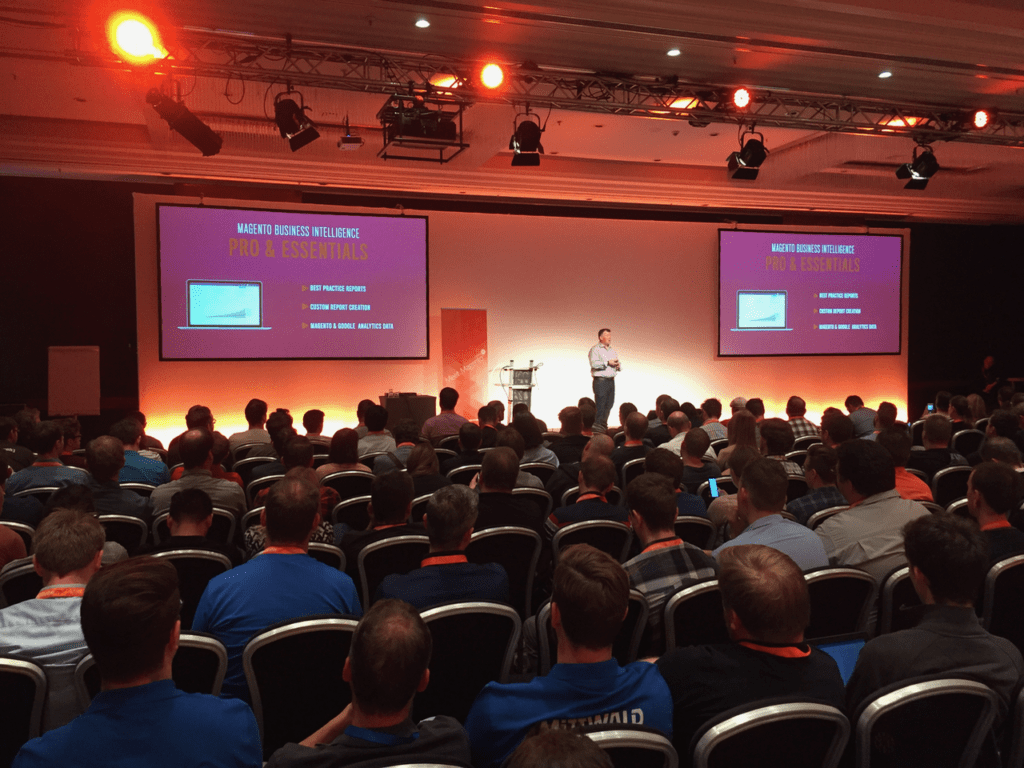
    After attending my 10th Meet Magento in Germany (yes I missed one) and coming back to work, I think it is time for a short recap.
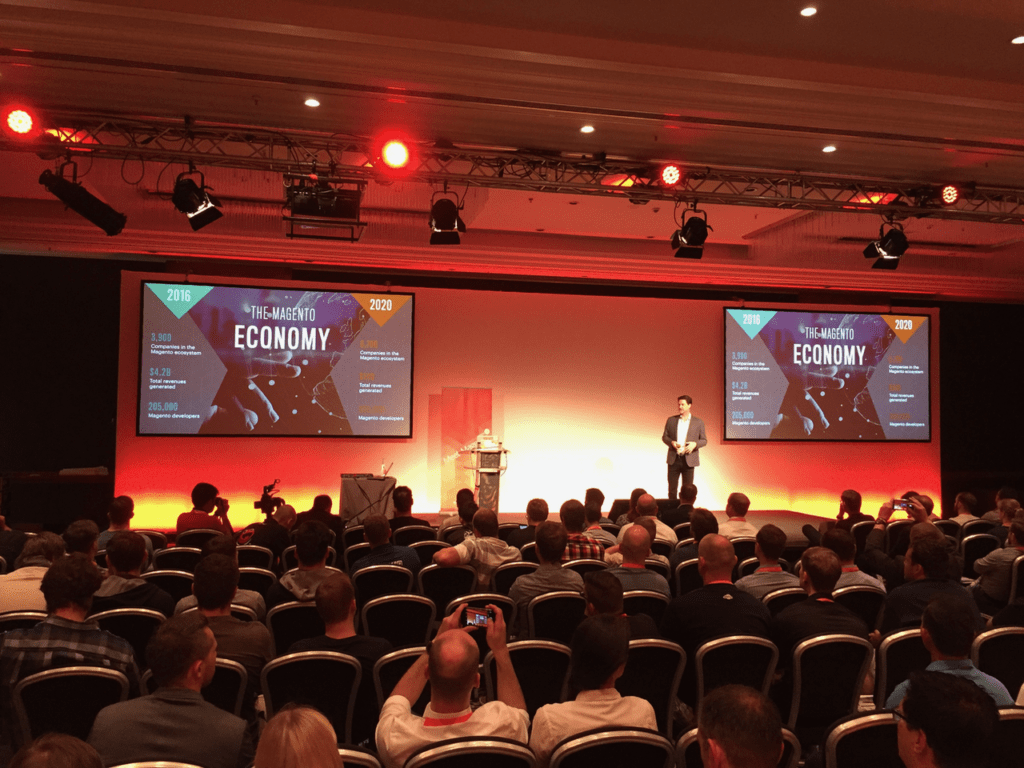
    This years Meet Magento probably was the biggest one in terms of number of attendants (800, according to the organizers).
    The location was at it’s limits for that amount of people.
    Luckily the weather was sunny so people could get outside and get some space.
    The next years Meet Magento will probably / hopefully be taking place in a better suited venue.
    Besides that I had a lot of interesting conversations to old as well as new friends and contacts.
    Mostly, I attended technical talks, for some of those you will get a short recap in this post.

    Pre-Party

    But before starting with that, I have to mention the Pre-Party.
    Although I have been attending the Meet Magento for quite some time now, I have never made it to the Pre-Party.
    And after attending this years Pre-Party, I have to say that will change from now on 😉
    The location was nice and it was a great way to catch up with everyone and get into the conference flow.

    Magento Product Portfolio & Roadmap

    After the opening by the Meet Magento organizers, Paul Boisvert (Head of Product Management at Magento) held his keynote.
    Sharing the vision for Magento and the achievements of the community and Magento itself.
    He summarised the achievements during the Contribution Days at different events.

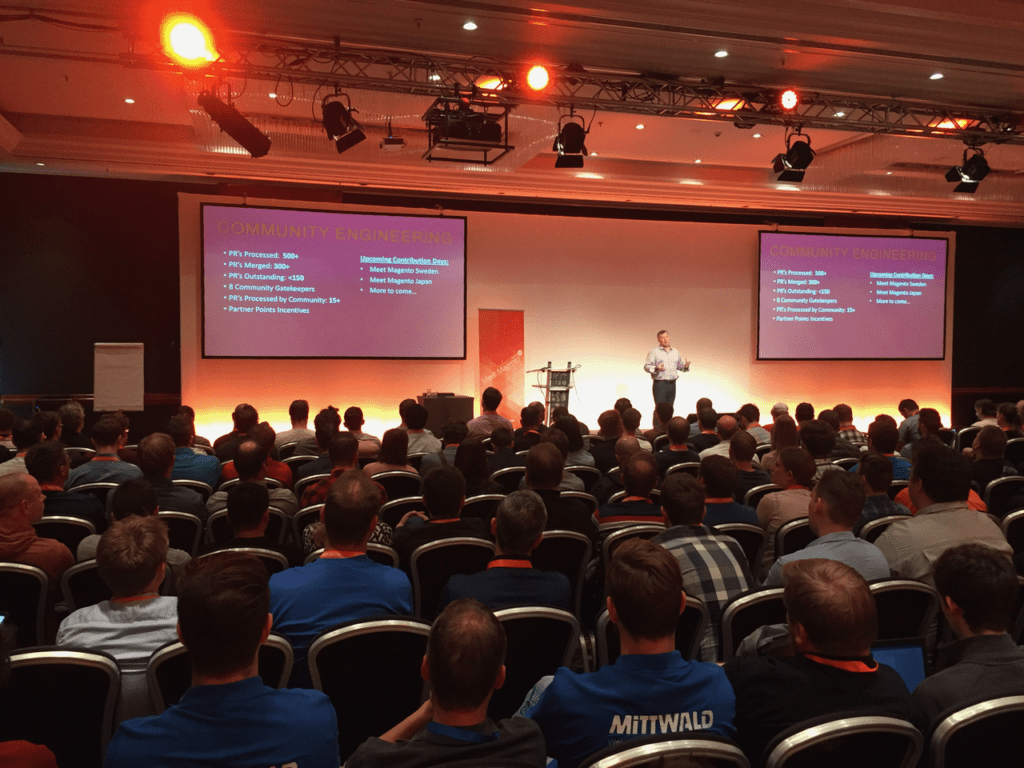
    The most important part that we probably all like, is the change of their philosophy regarding the open source strategy.
    In the past years Magento was delivered Open-Source, but there was no process or workflow for the community to contribute.
    That changed in the recent months as you probably already noticed.
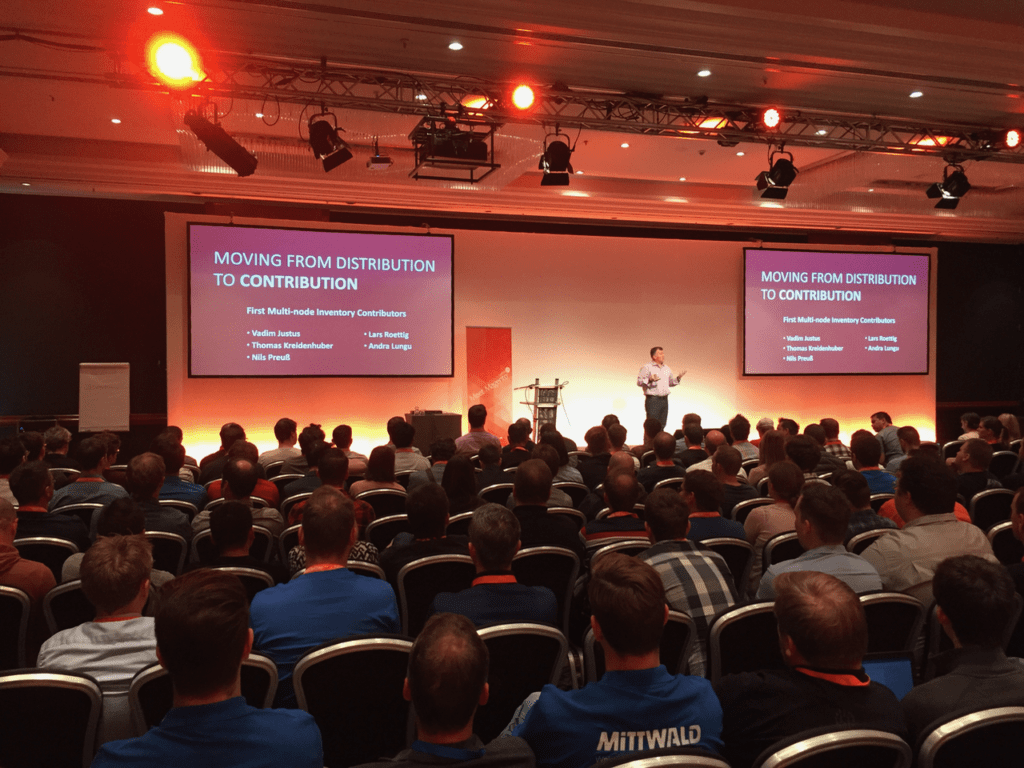
    Magento is moving from Distribution to Contribution, which I think is the right thing to do.

    You can already see quite some pull-requests being merged.
    And during the Hackathon in Leipzig the community was working on the MNI – Multi Node Inventory module.

    Magento 2 in Production

    Marcel Hauri of Stämpfli gave his talk about his experience in running Magento in a production environment.
    He summarized the issues he experienced while bringing and running Magento 2 in production.
    Some of the modules and tools he created can be found on github: https://github.com/staempfli
    His slides are a available here:
    https://speakerdeck.com/mhauri/mm17de-magento-2-in-production

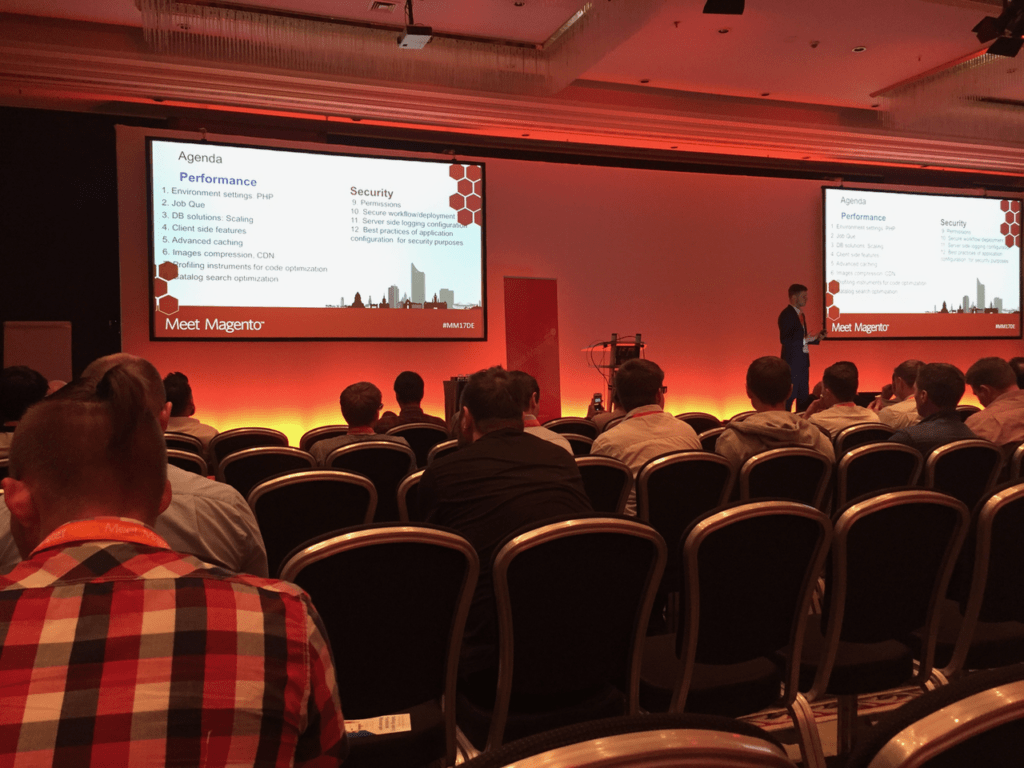
    12 Ways to Improve Magento 2 Security and Performance

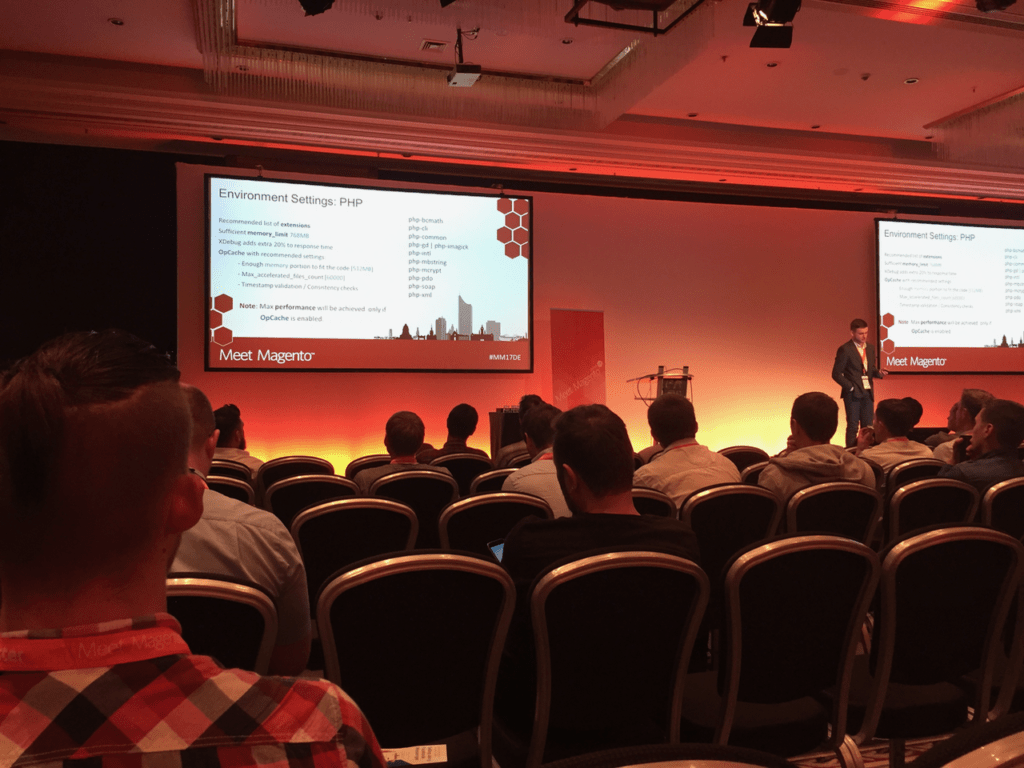
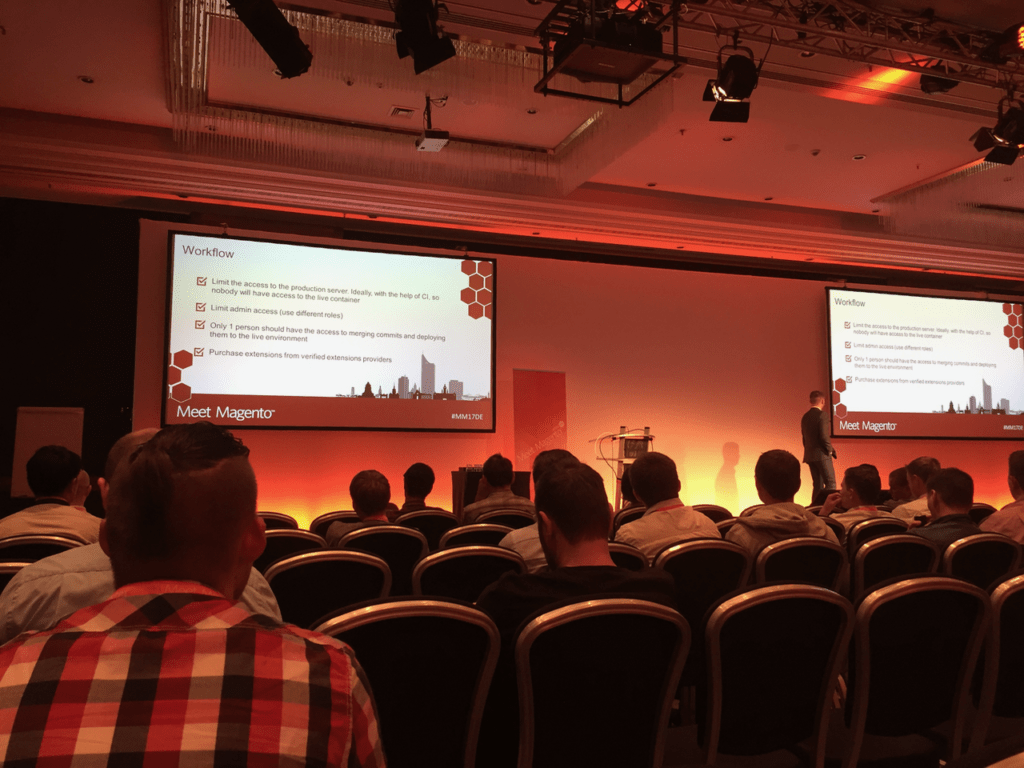
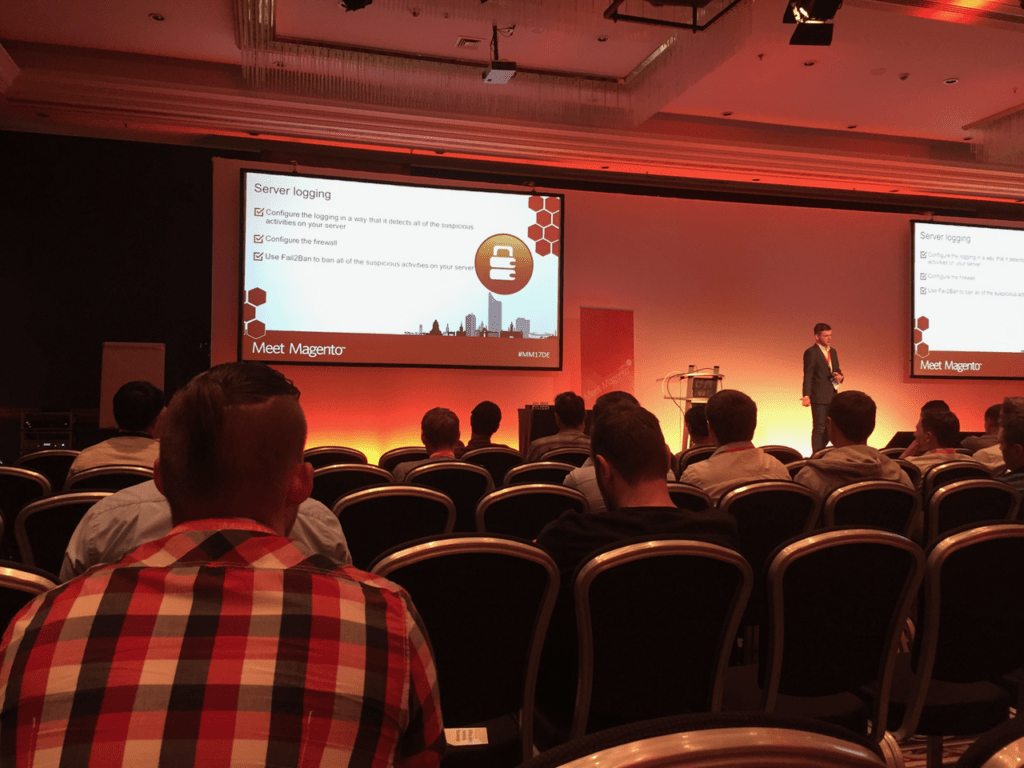
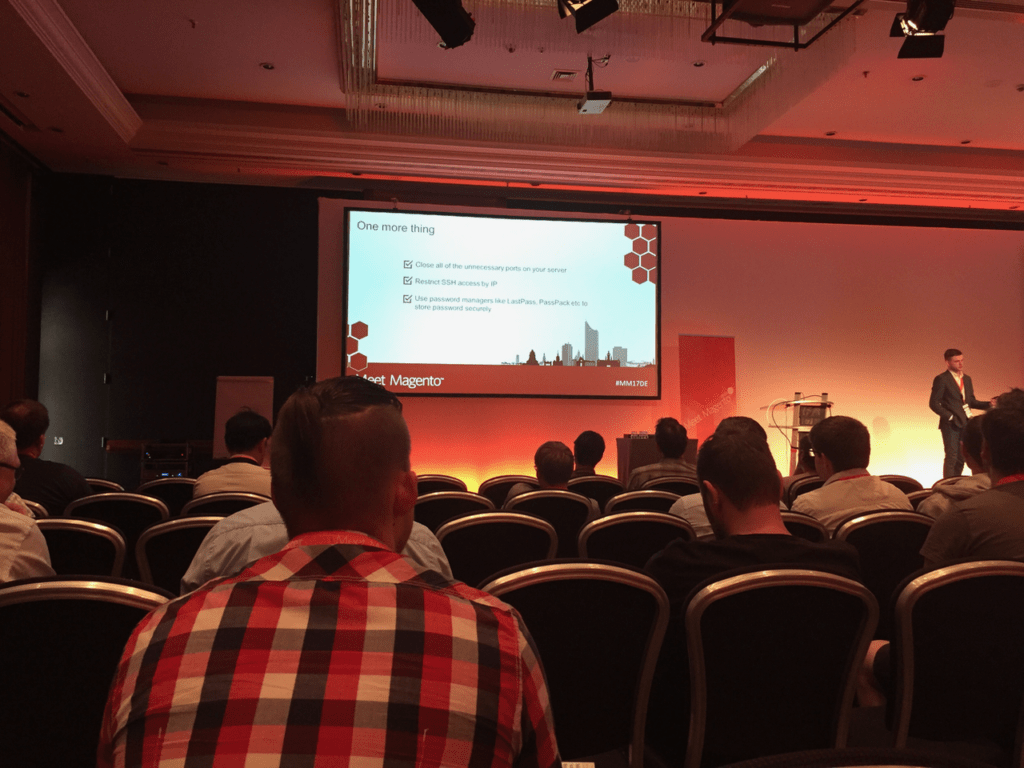
    Next up was Pavlo Okhrem giving his tips and insights on how to improve the security and performance of a Magento 2 instance.
    He shared some settings for PHP and Nginx to improve the performance.

    Besides that he gave a summary of points to improve the security, by limiting the access to the repository and server in different ways.

    Magento 2 Best Practice Workflow

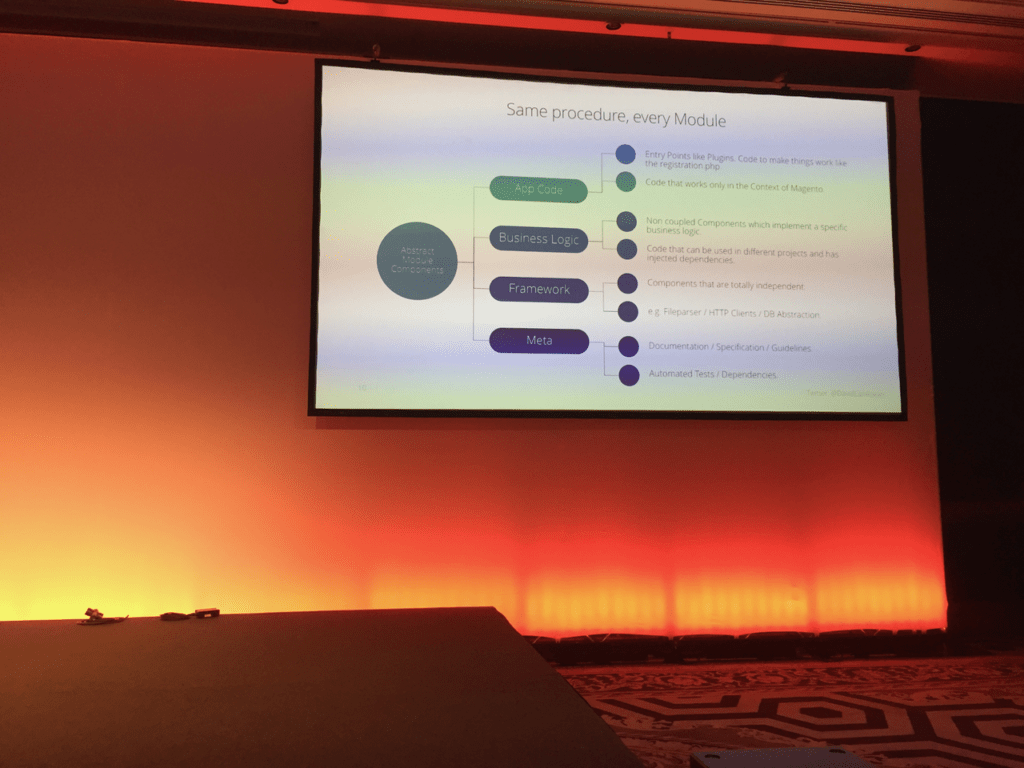
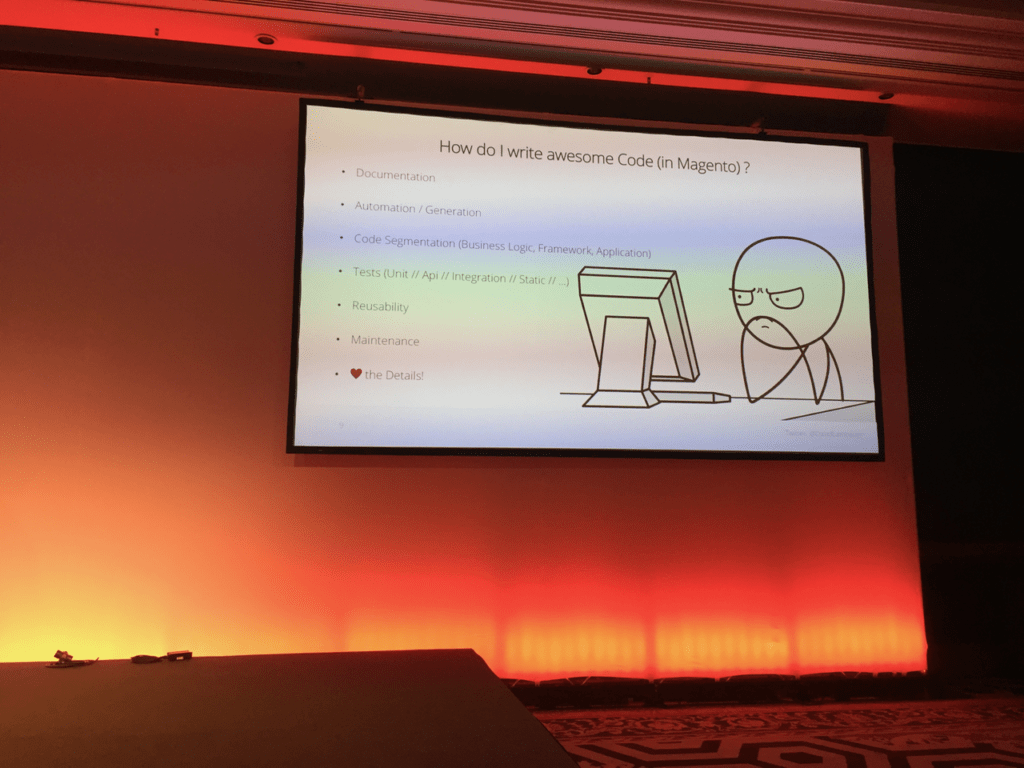
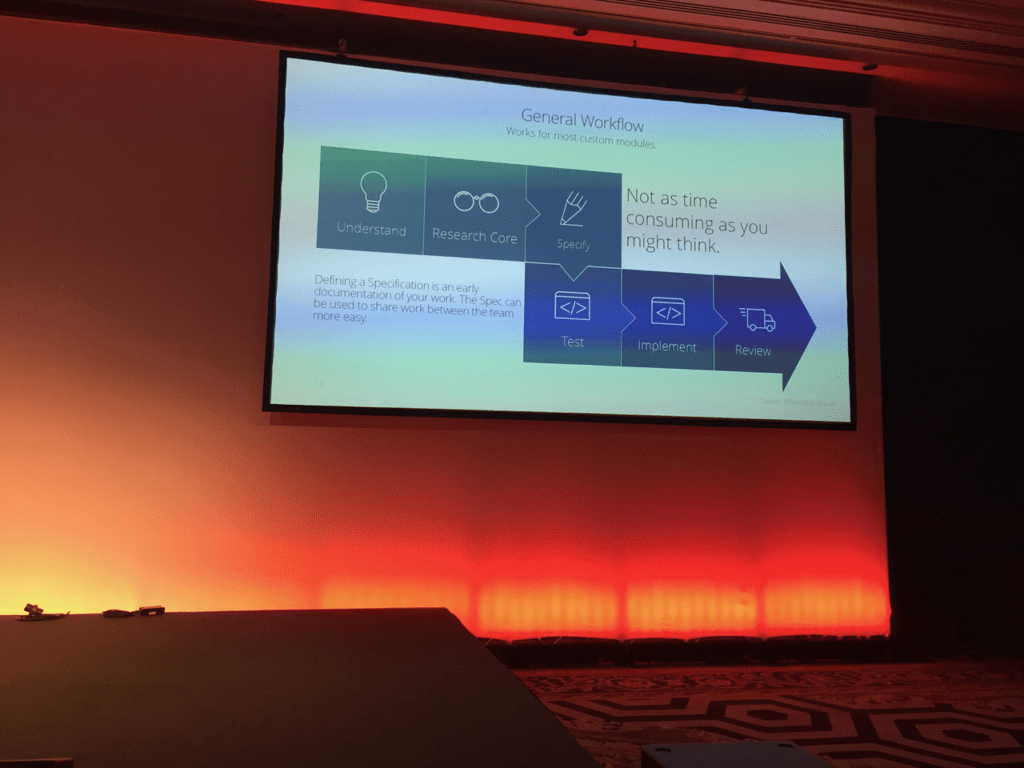
    David Lambauer – an old colleague at netz98 – had is talk presenting a best practice workflow when developing for Magento.
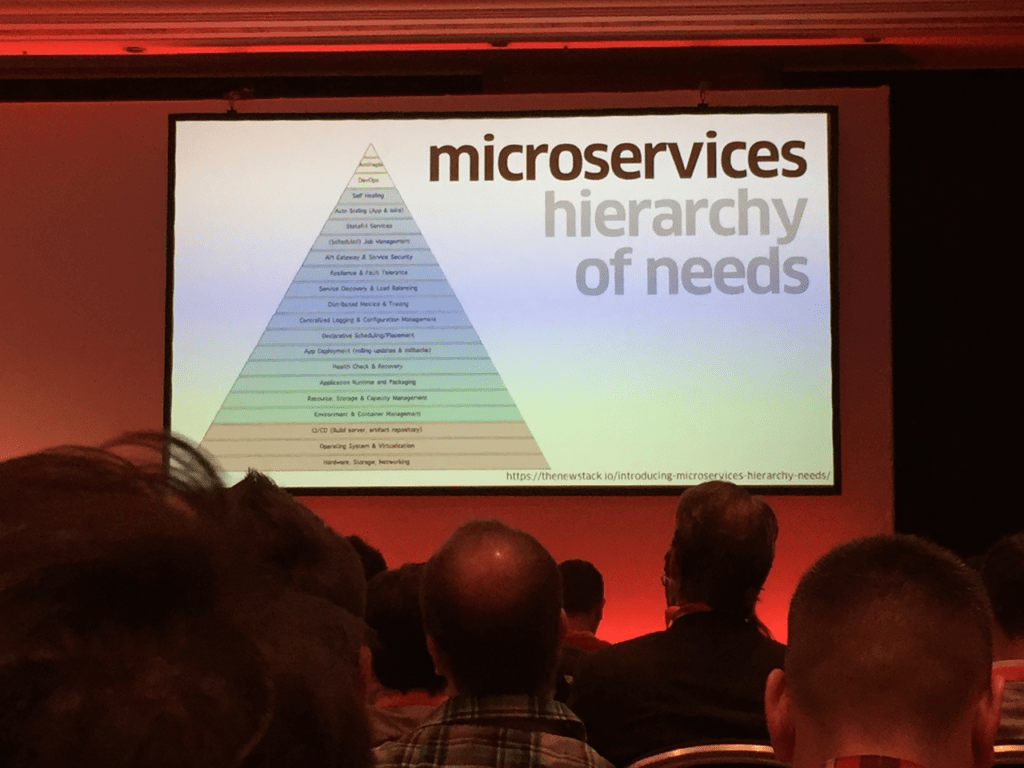
    He showed us how he is splitting up his code and how he is structuring that.

    In my opinion, the most important part is to think before you code.
    It is faster to think before hand and will payback afterwards, because when handling big tasks it is always good to have an overview of what you want to achieve as a final goal.
    Furthermore if you do that in writing you have a plan on what to do and you don’t have to remember everything.
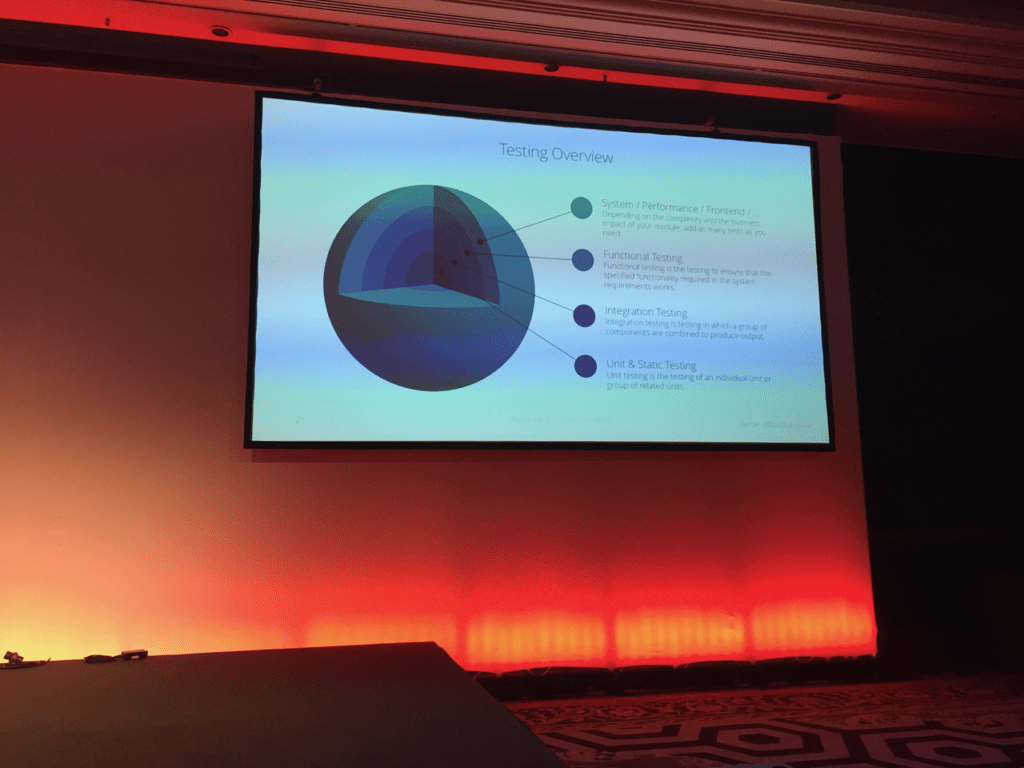
    David also gave as an overview of the different types of tests that can be written to improve the quality of your code.

    And at the end he shared a module skeleton he published on github:
    https://github.com/AOEpeople/Magento-2-Module-Skeleton

    The presentation was great to attend to and the workflows and approaches he described are great to produce high quality software.
    I wonder where he learned all of that 😉

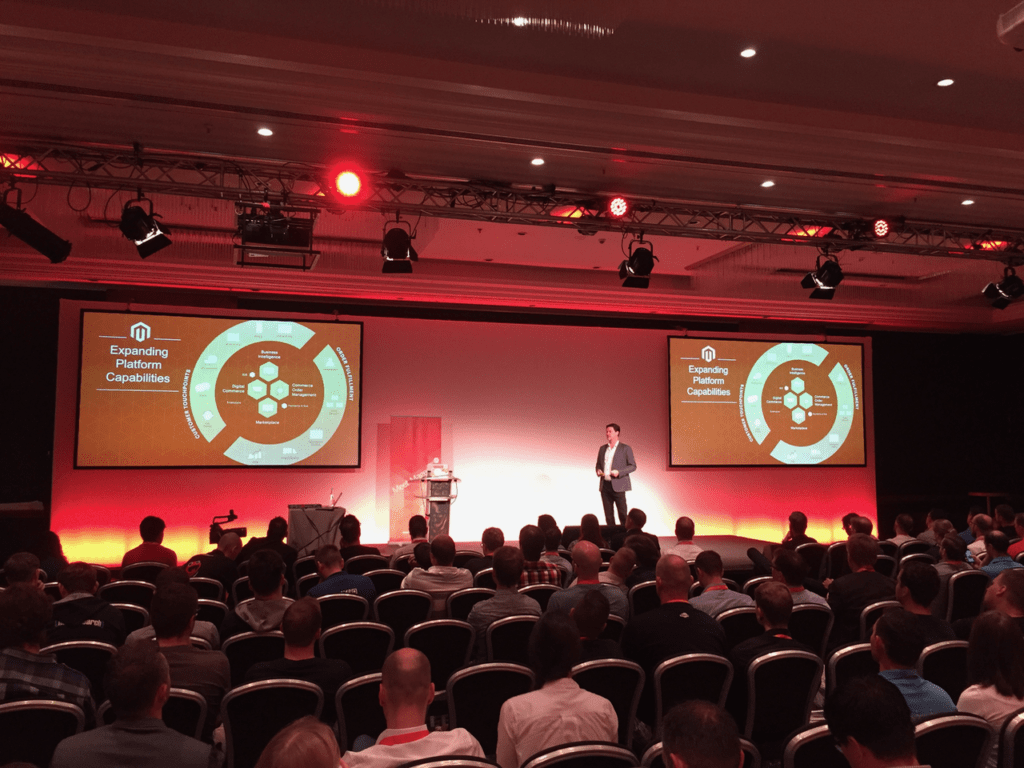
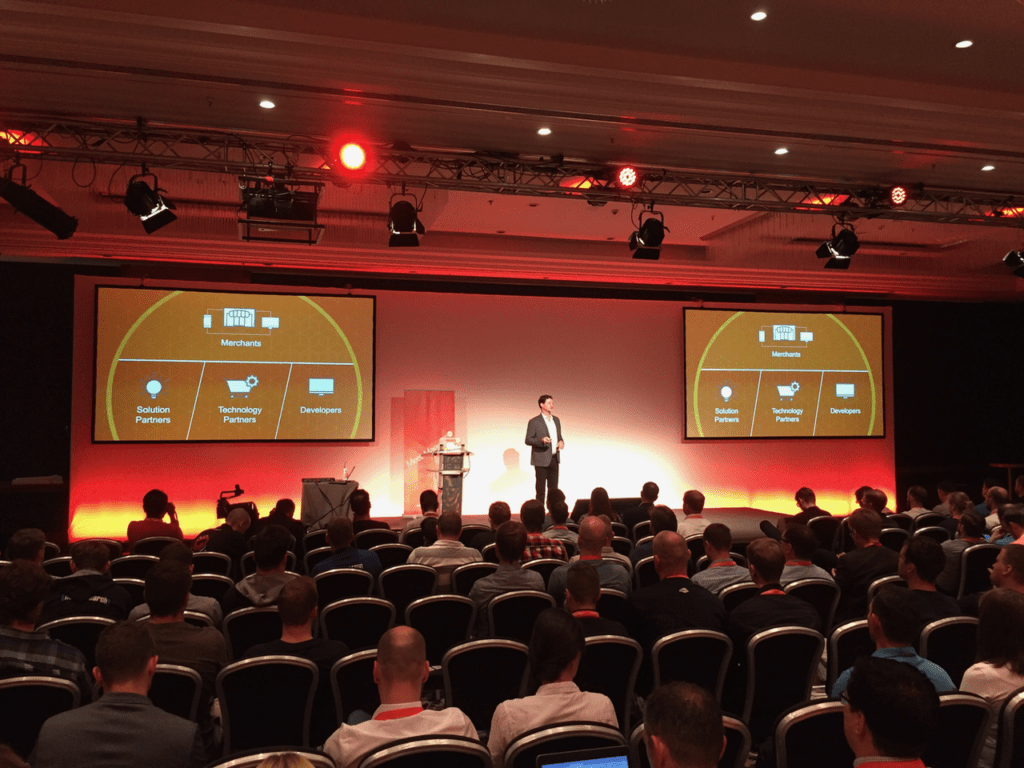
    Magento Commerce: Business Momentum & Vision

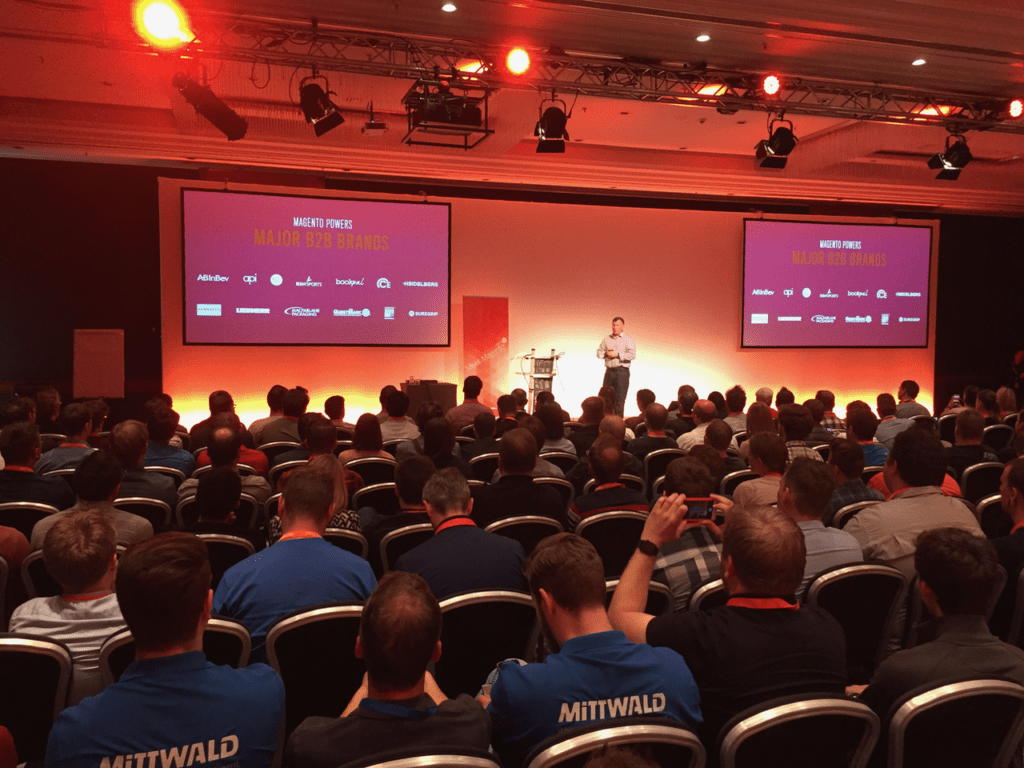
    The keynote given by Magento CEO Mark Lavelle gave as a insights on the current status of Magento and where Magento expects to be in the future.
    Furthermore we got an overview of the future Magento ecosystem and which systems are already included, which will be added and how the will be integrated.

    Test Driven Middleware

    This technical talk by Andreas Gies was about a middleware, how the middleware is built and how it is tested.
    In almost every commerce project I have done over the years, there are always multiple systems and services involved.
    It all comes to down to how they are integrated and tested.
    This talk was about connecting those systems with a middleware in an high performance environment.
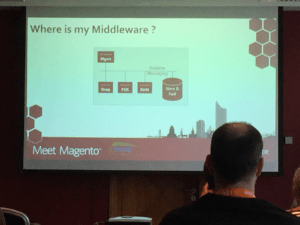
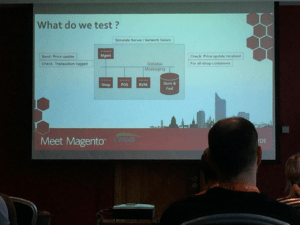
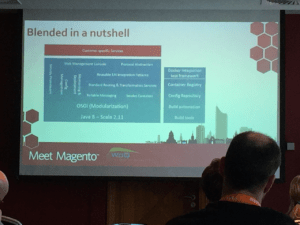
    The architecture of the system looks like this.
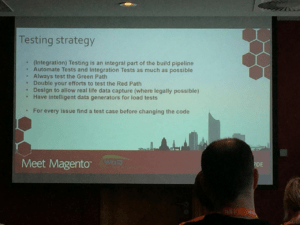
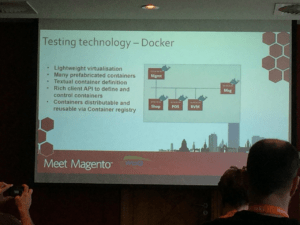
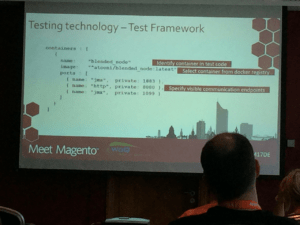
    Andreas also described how he simulates the messaging between the systems in a testing setup using docker containers.
    Though it was not a directly PHP or Magento related talk, I still got some useful insights.

    SUPER-scaling E-Commerce with Magento

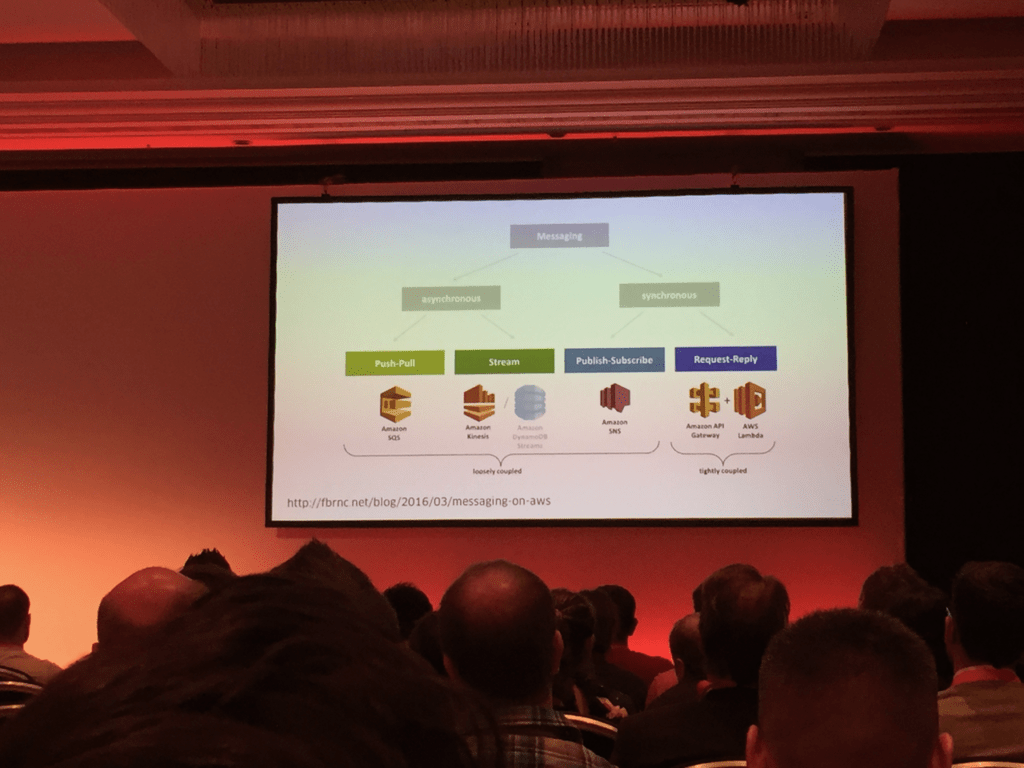
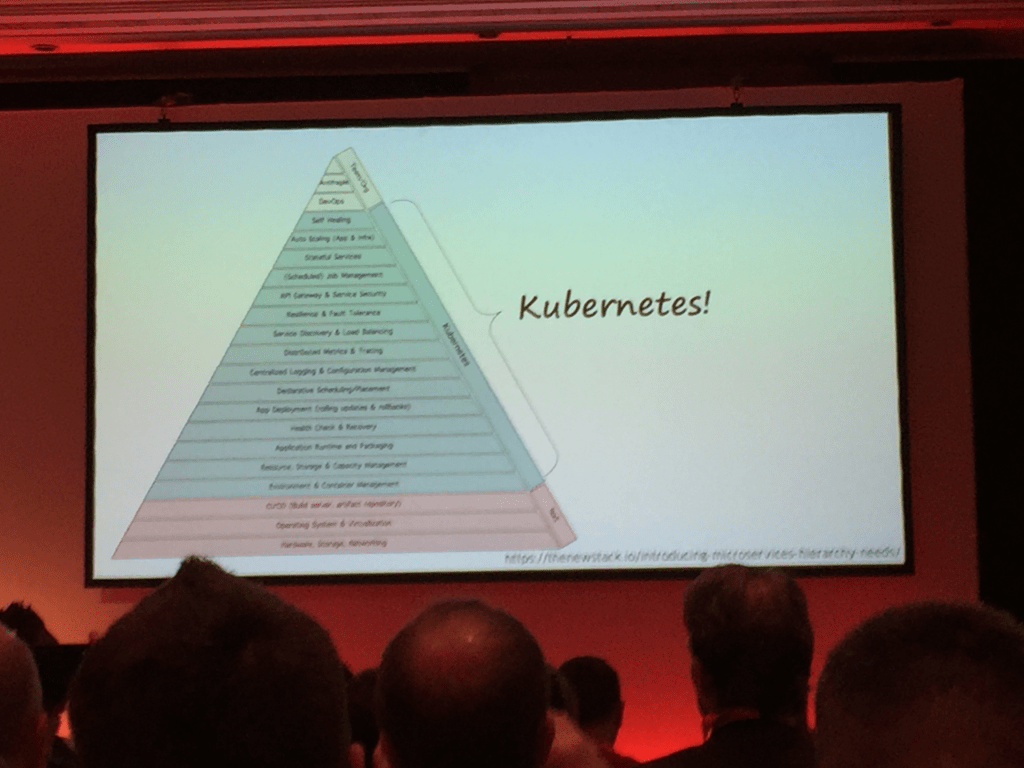
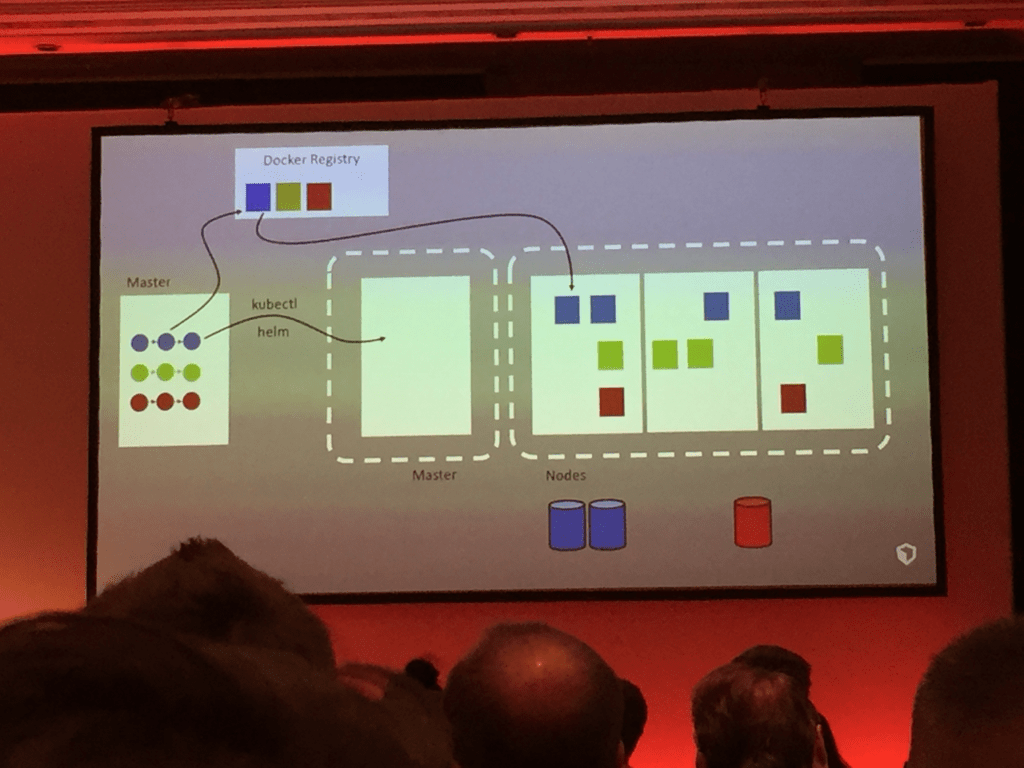
    Fabricio Branca presenting his approach on SUPER-scaling an e-commerce project where Magento is involved.
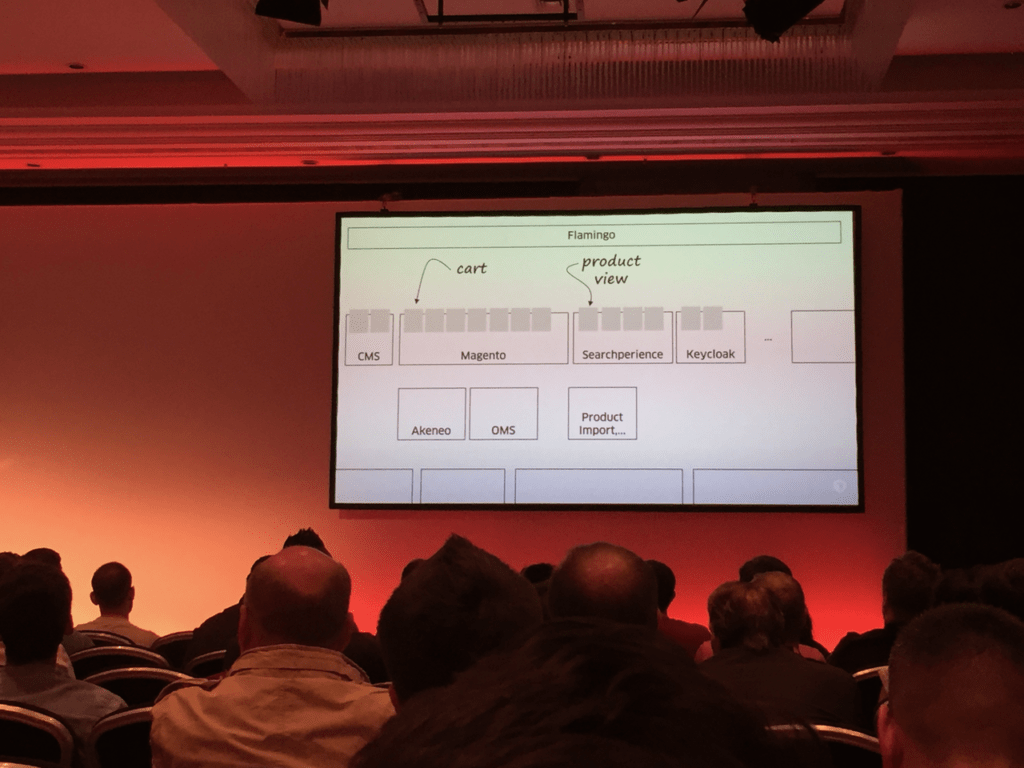
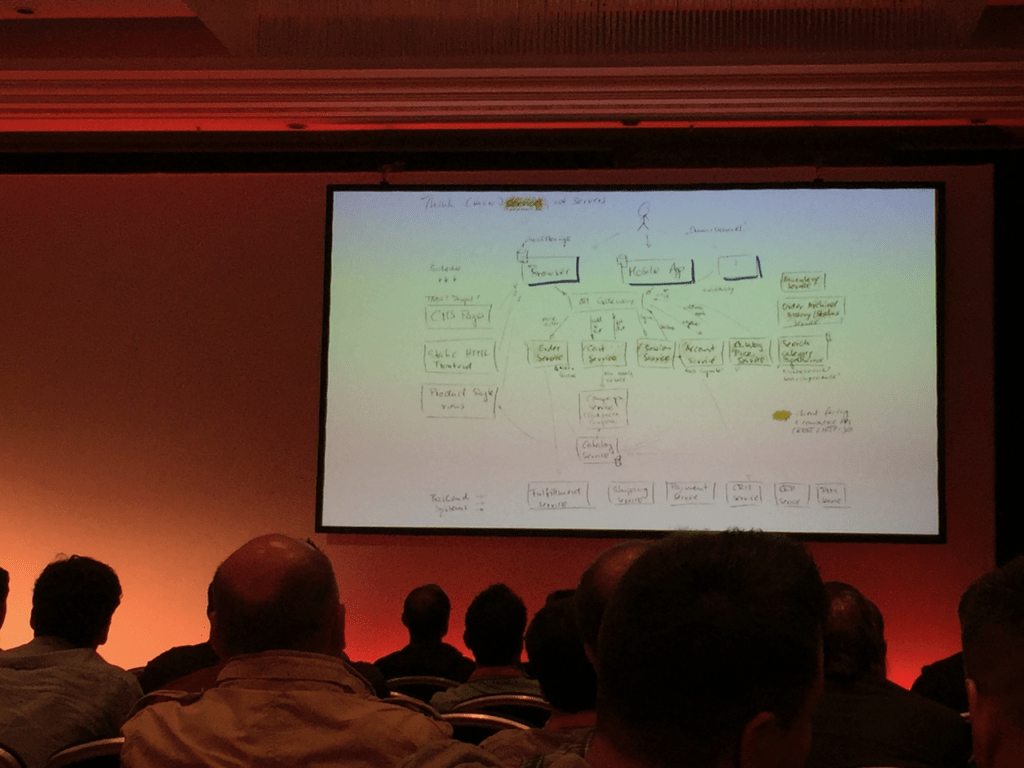
    We got a good overview of the general system architecture and an idea about the approach to extract parts of the systems and replace them through other services.
    Basically each system provides a number of services to the construct.
    The systems are inter connected by REST-APIs. By using APIs we retain the possibility to exchange services whenever needed.

    The deployment of new release for those services / systems in an cloud-based environment was also part of his presentation.

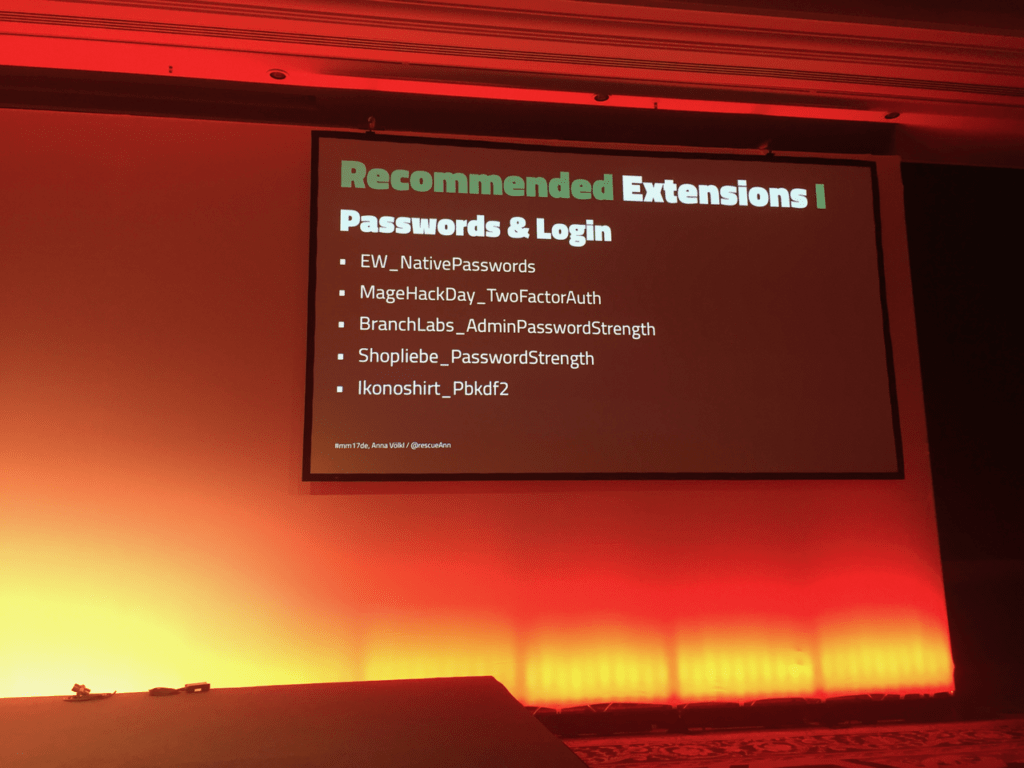
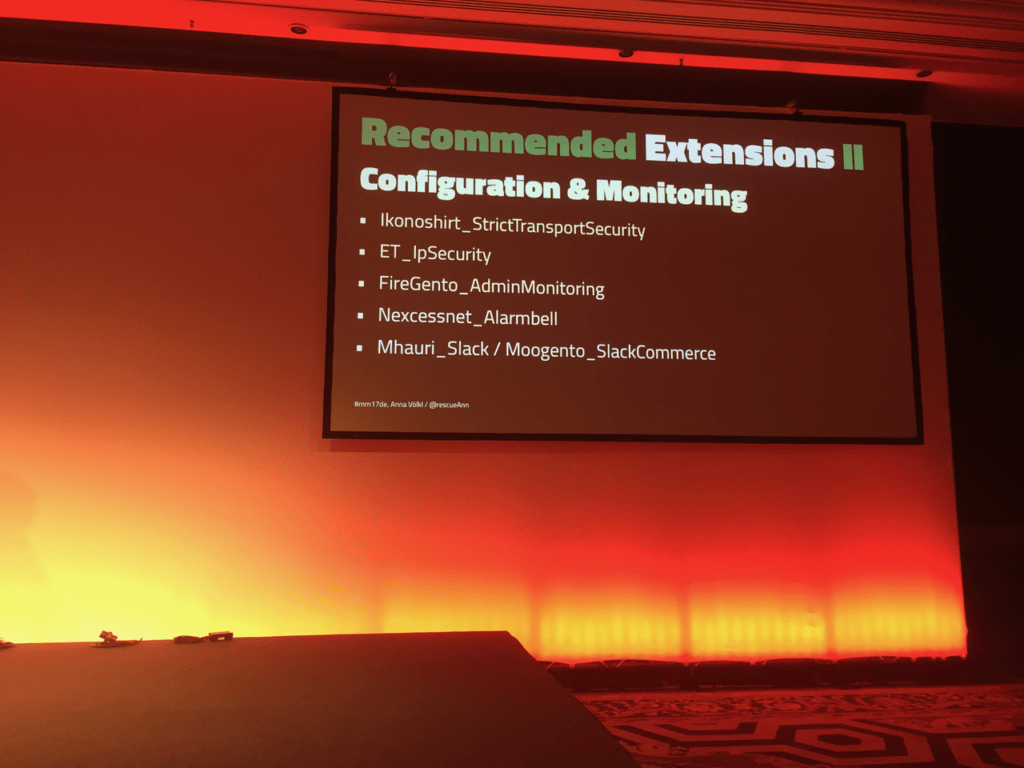
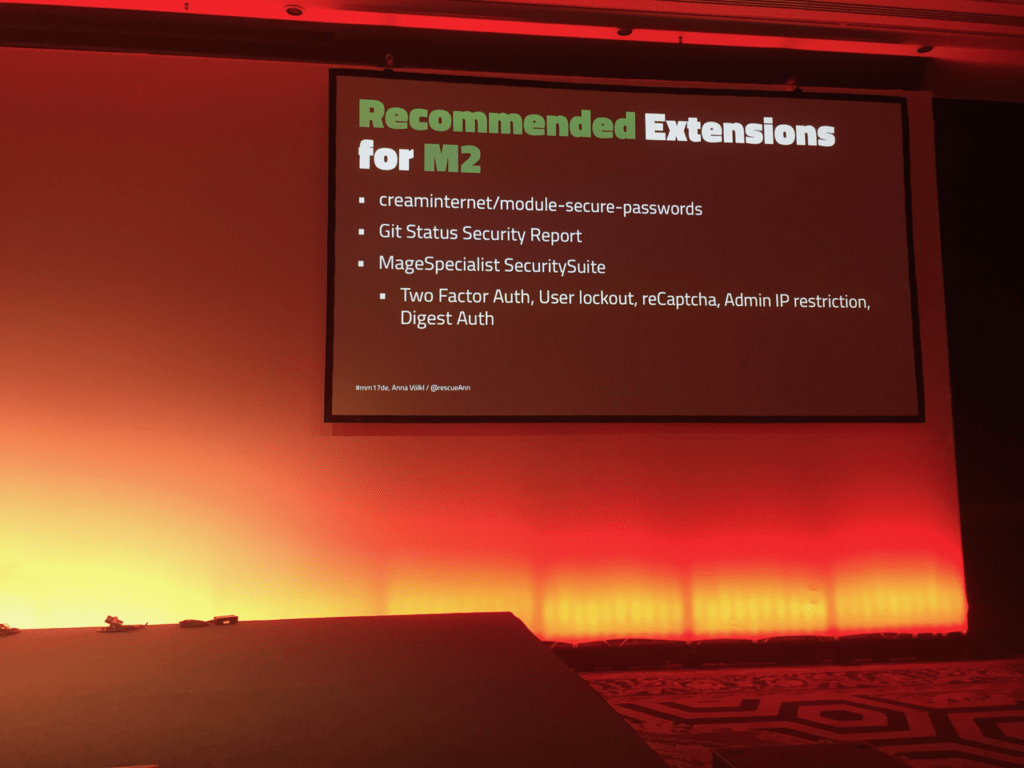
    Magento Security Best Practices

    After that Anna Völkl gave a practical overview of ways to improve the security of your Magento 1 and 2 systems.

    She listed and described quite some modules and tools to improve the overall security of your Magento shops.

    But security not only concerns the system itself, but also the way you treat the data, like when creating db-dumps.
    You can use Magerun (1/2) to create database-dumps while stripping customer specific data from those dumps.

    And she mentioned even more tools, which some of them I haven’t heart of till now.
    It is definitely worth to check those out:

    Building a Framework Agnostic API

    Then it was time for David Manners to explain his approach on how to un-magento your code.

    The basic idea is to separate your business logic and describe it through interface.
    Especially when there is system specific actions involved like retrieving stuff from the database or getting some config-values.

    I liked his view on things, as we have been following a quite similar approach for years now.
    Not in terms of keeping code working in Magento 1 and 2 at the same time, but more like how to separate code into different levels and keeping system-independent.

    David created a sample of his approach and published that on github:
    https://github.com/sitewards/setup
    https://github.com/sitewards/setup-mage1
    https://github.com/sitewards/setup-mage2

    Talks missed

    Sadly there where some talks I would have loved to attend but I had to choose one.

    After-Show-Party

    It is always a pleasure to part of the The Meet Magento After-Show-Party.
    The party is well organized and the food is great.
    But since there were that much attendants of the conference this year, the party was packed to.
    And the location was getting to its limits as well, although that was only really an issue during dinnertime.

    Here are some impressions of that party.

    https://twitter.com/_dermatz/status/866713698697654273

    SUMMARY

    The Meet Magento in Leipzig was a great event with lots of good talks and discussions.
    I would have loved some more technical talks, because it seems the audience was there.
    Every technical related talk had a full packed room.
    Maybe we will see the next Meet Magento taking place in a bigger location with even more talks 🙂

    See you around.

  • Review of the Magento Imagine 2017 from a personal point of view and a frontend perspective

    Review of the Magento Imagine 2017 from a personal point of view and a frontend perspective

    The Imagine: The Magento event as such! To me as an USA newbie on the one hand interesting because the conference takes place in Las Vegas, to me as a frontend developer on the other hand interesting because you can learn much about how Magento itself, but the community as well – like other developers, agencies and webshop operators – are working with the e-commerce platform and continuously developing it further.

    Let’s start at the beginning: Las Vegas is truly that “amazing” – to speak like a real American – as you would imagine. The city is totally crazy and so surreal like I’ve never seen before. Be it the style of the hotels, the sparkling fountains at the strip, the beer, the casinos, the restaurants, the advertising banners in the city: Everything was stepped up quite a bit in kitsch, glamour and exaggeration. Incredible! I was particularly impressed by the peace and serenity that prevails. Nothing is too overrun by lots of people, there are hardly any traffic jams or big crowds and you always get a parking lot. We people from the Rhein-Main Area in Germany are used to something completely different. The typical eating culture wasn’t exactly that compatible to my diet as well… After the calorie reduced “Fit Slam” breakfast wasn’t such as good as it seemed, I switched to the “French Toast” recommended by Ralf. What can I say: That’s what Americans are really good at!! For something like this you gladly suspend your strict diet (But I don’t know how someone could withstand this for more than a week).

    3 days Imagine

    Not only the city, or the Hoover Dam and the Grand Canyon were very impressing, but the Magento Imagine as well! Over 2700 attendees found themselves in the magnificent and partially giant conference rooms of the Wynn Hotel. The mass of enthusiastic Magento companions single handedly lead to a motivation boost that you would really want to share with everyone, once you arrive back home.

    During the three conference days there where several presentations on the agenda, you could choose from. To me, the decision was easy, because the manageable number of frontend presentations never took place at the same time. But even if there weren’t that many, they had a particular importance because of the presenters that often came from Magento itself.

    Mobile and mobile payment

    Above all in those presentations stood the growing and ever more relevant e-commerce target group: the mobile users. Sure, smartphones are available for a long time now, but the digital shopping-process took place at the desktop PC in the past – this has changed a lot in the meantime. Ben Marks (Magento Evangelist) and Jon Higby (PayPal) showed in their presentation, how demanding mobile users are: a single input field too many and the user leaves the site and cancels the shopping process. Especially the payment process in the mobile online shop is one of the biggest challenges to the website owners. Providing the user with a payment method that is specifically suited for his device (i.e. Apple Pay or Android Pay) he can comfortably complete his order with just one click. Through a better payment process and an optimized user experience (whereby a responsive design not necessarily results in a better user experience) customers, that currently cancel their buying process, could be won. Those make up approximately 50% of the revenue!

    By the way, not only in that presentation the Braintree module, which is already delivered with Magento 2, was mentioned in association to the payment process. This payment solution by PayPal provides – besides PayPal – several other payment methods including the above-mentioned Apple Pay and Android Pay methods.

    Progressive Web Apps

    In a Presentation of Adam Brown (Gorilla Group), Peter McLachlan (Mobify) and James Zetlen (Front-End Architect of Magento) a relatively new technology was widely advertised, which is an alternative to  the common responsive design: the “Progressive Web Apps”. This refers to websites, that hardly optically distinguish from a mobile app. Furthermore, they are fast and respond to user inputs and gestures as fluent as a native app. The technical implementation is done using the standard web technologies HTML, CSS and Javascript, and because they open in a browser, they are capable of running equally on all devices. The users even can create desktop icons to start them up quick like an app, and they are theoretically offline useable as well. Even if this seems – described like that – wonderful and easy, it is nevertheless a challenge in practice. The offline-usage alone has to be thought out well, and the performance and fluent usability isn’t programmed by itself. To me however it’s a great motivation boost to accept that challenge and deal with that subject in depth. Super thrilling!

    UI Components

    Another challenge for us developers since Magento 2 are the so called UI Components. These form a System that allows to build up modular user interfaces, like forms and data-tables, that are known from the admin backend. But also many parts of the shop frontend are based on these components but their functionality and structure are very complex. James Zetlen (Front-End Architect of Magento) explained in his presentation “Everything Was UI Components & Nothing Hurt” why they need to be so complex and he gave us an overview of the current status and an outlook on further development. Beside showing us the advantages and also the difficulties still to be mastered, he encouraged us and invited us to work with the UI Components and to use them. Magento is open for feedback and the “developer happiness” is important for them: so let’s start with it! 🙂

    Highlight: DevExchange

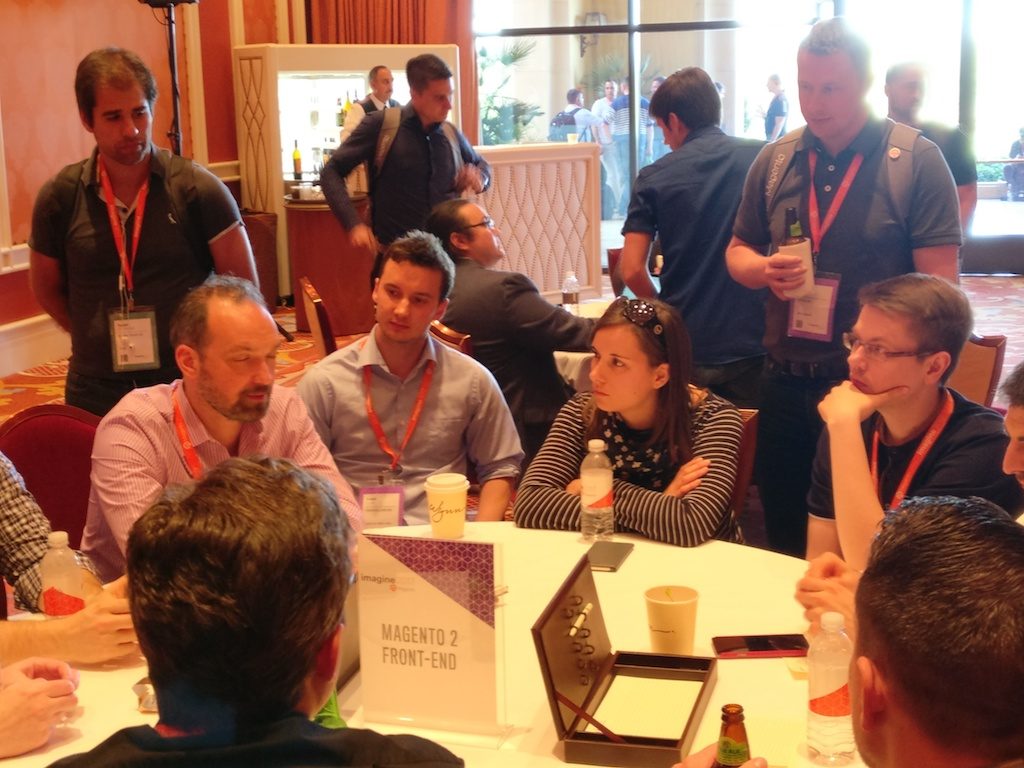
    Apropos talking of feedback: The absolute highlight of the Imagine this year for me was an event that took place on last day of the conference. The so called “DevExchange”. Therefore, there was a selection of topics before through the community and for each of this topics there was a table and you were free to sit at the table you were interested in. Immediately suspenseful discussions raised up, great ideas were born and a lively exchange among the developers on the individual topics came up. Beside a lot of backend issues there were two frontend talks, which of course I did not miss (A summary of the front-end theme has already been published by Alan Kent, Magento Chief Architect). I mostly appreciated that at each table a Magento core developer participated, who discussed with us, as well as answered questions and collected the feedback of all the attendees. Thanks a lot for this!!

    Altogether I came back from Las Vegas very enthusiastic! Thanks at this point to my netz98 colleagues Ralf, Alex and Christian (who published his personal recap already here) for the great trip!
  • My personal recap of Magento Imagine 2017 in Las Vegas

    My personal recap of Magento Imagine 2017 in Las Vegas

    It was the second time that I attended the Magento Imagine. Last year the conference was characterized by the motto „We are Magento“. This year the word „E-Commerce Platform“ stays in my mind.

    Before I start my summary of the conference, I would like to tell a little bit about our trip …

    We startet our #RoadToImagine from Frankfurt/Main. After a 9h flight we (Maria, Ralf, Alex and me) arrived in Houston (Texas). There we had time to grab some pizzas after a very intensive security check (2.5h). Next step was Las Vegas (Nevada). Our United Airline flight was overbooked. Fortunately we had no problems like reported in the news recently. No one was dragged of. 🙂

    So we landed in Las Vegas and reached the Wynn Hotel after >20h travel time. We fell in our bed deadly tired.

    Saturday

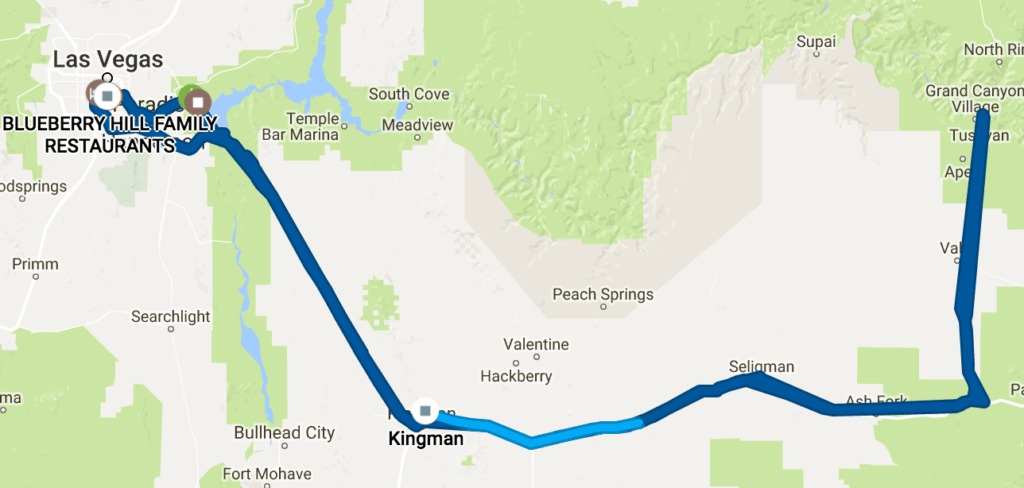
    The next day we did a road trip to fight against the Jet lag. So we startet with a great American Breakfast in a good well known diner. In a supermarket we bought some stuff and then we headed towards Hoover Dam.

    He didn’t expect four pan cakes!

    We drove along the Scenic Drive to see more of the beautiful landscape.

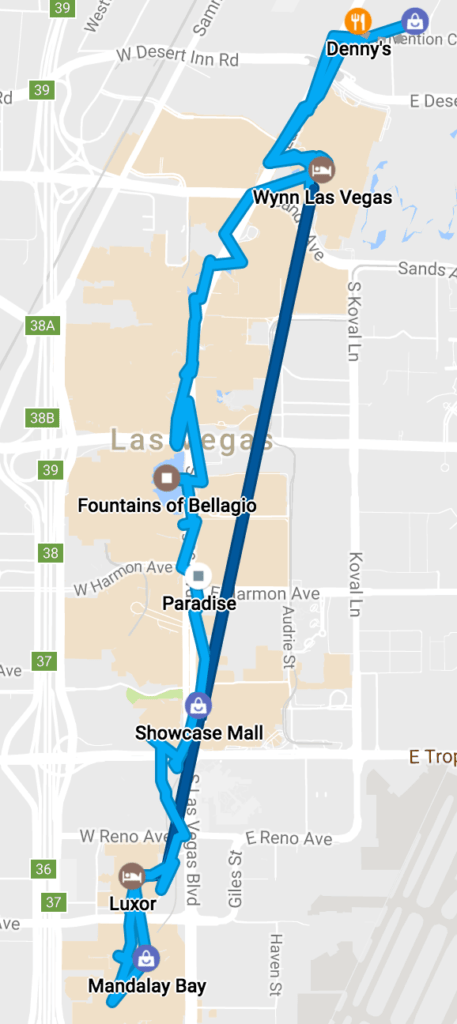
    Our road trip.

    After a stop at the Hoover Dam we visited the Grand Canyon. The landscape is so impressive. I personally like the endless expanses. The way back from Grand Canyon was a little bit rough. We had to leave the interstate after a road block caused by an accident. The deviation led us to the historic Route 66 which is not like a German Autobahn. We had to avoid large holes in the street. With a good burger we finished our road trip.

    Sunday

    The Sunday started with… an American Breakfast… again. We needed some calories to be prepared for the partner meeting. Before attending it, I visited the Pre-Imagine MageHackathon.

    Afterwards we joined the PreImagine to meet some famous guys of the Magento community. It was great to see all them. We also met some of our friends and associated agencies from Germany.

    After having some beers we decided to walked down the Las Vegas Strip.

    Our walk along the famous Las Vegas Strip.

    Monday (Imagine Day 1)

    The first official conference day started for us with a small and quick Continental Breakfast 🙂

    I decided to visit this sessions:

    The most discussed one of the developer talks, was about the UI Components. After it a discussion round  among some very popular backend developers started. They discussed about the good, the bad and the ugly sites of the Magento UI Components system.

    My highlight of the day was a session concerning the Magento 1 to 2 migration. Very good informations, tips and pain points of Magento Migrations were shown by James Cowie and Gordon Knoppe of Magento ECG.

    Tuesday (Imagine Day 2)

    On the second day the following session were my preferred choice:

    • How Quicken Took Magento Headless With Acquia Drupal
    • Internationalization: Steps to Take and Mistakes to Avoid
    • Making Your Life Easier with the Magento 2 CLI
    • Leveraging Microservices for Optimal Cloud Performance
    • The Rise of the Platform and the Power of the Magento 2 API

    The biggest surprise of the day was the API talk at the end of the day. The speaker Bob van Luijt is a very smart guy. I like his fresh mind and his approach to platforms and API usage. Checkout his HTML5 Polymer Magento Components on github!

    The Awards

    After the last session, the blood pressure of the netz98 coworkers increased significantly. It was the time of the „Magento Excellence Awards“.
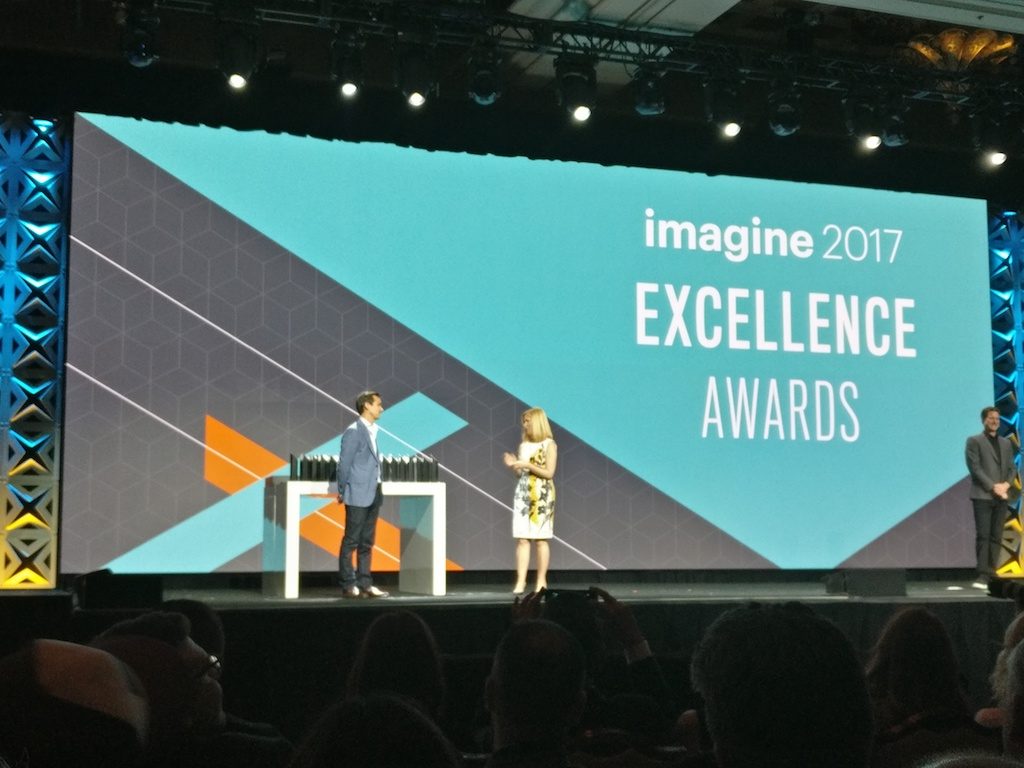
    Our Liebherr project was one of the finalists in the category “B2B”. The awards reminded a little bit to the Oscar Awards. So we were absolutely excited that we really won the „B2B Innovation“ award. Especially me was so happy about this, because the project team (netz98 and Liebherr) did a really good job. The award was a appreciation of the effort of the hard working team. After the keynote was finished, we proudly carried away the award to the Legendary Imagine Evening Event „aka party“ taking place at the Encore Beach Club.
    Unfortunately I forgot to take pictures of the party. Thanks to Max Pronko for providing the video. At the end of the party Max jumped into the pool celebrating his shop award. The last scene of the video shows a wet Max and me 🙂

    Wednesday (Imagine Day 3)

    Our last conference day started with an impressive keynote. Magento published some exciting news about the product portfolio. Additionally new products were announced. After that we decided to have some burgers to be prepared for the DevExchange.

    DevExchange

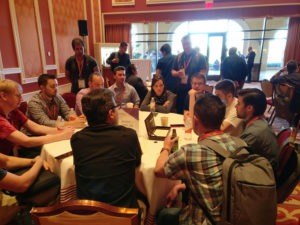
    The format of the DevExchange was really new for me. Developers could vote for a topic. My topic „A better import framework“ was one of the selected ones. For every topic a dedicated table was installed. All interested people could sit down at the appropriate one. Magento made sure, that for every table an employee is available, which is aware about the topic. I loved this kind of discussions. Other great topics like „Headless Magento“, Varnish Cache or „UI Components/Frontend“ were discussed by the participants.

    The frontend guru group.

    After this very good exchange, I discussed with Alan Kent about technical improvements of the future Magento 2 data layer. He is a great system architect. Later on I met Sander Mangel and Ivan Chepurnyi.

    It is great to meet people in real life and not only by the Twitter timeline.

    Sander an me.

    We finished the conference with a great final dinner at SW Steakhouse with the netz98 team.
    The next day we went back to Germany. See you again, Vegas!

  • Use EavSetup to Import Attributes

    I recently had the issue that I needed to use the \Magento\Eav\Setup\EavSetup outside the setup-context.
    To be a bit more concrete, I wanted to import attribute-sets, attributes and attribute-options without using an install-script.
    My first idea was

    in magento2 you can easily inject the ‘EavSetup’ via constructor injection and then use it in your own class

    First try

    So I injected into my class which worked out well in the development-mode.

    /**
     * SomeAttribute constructor.
     *
     * @param \Some\Own\AttributeContext $context
     * @param \Magento\Eav\Setup\EavSetup $eavSetup
     * @param string $entityTypeId
     *
     */
    public function __construct(
        \Some\Own\AttributeContext $context,
        \Magento\Eav\Setup\EavSetup $eavSetup,
        $entityTypeId = Product::ENTITY
    ) {
        parent::__construct($context);
    
        $this->eavSetup = $eavSetup;
        $this->entityTypeId = $entityTypeId;
    }

    But using the same code with the production-mode a fatal error occurred with a message like

    ERROR: PHP Fatal error:  Uncaught TypeError: Argument 1 passed to Magento\Setup\Module\DataSetup::__construct() must be an instance of Magento\Framework\Module\Setup\Context, 
    instance of Magento\Framework\ObjectManager\ObjectManager given, 
    called in [...]/src/vendor/magento/framework/ObjectManager/Factory/AbstractFactory.php on line 93 and defined in [...]/src/setup/src/Magento/Setup/Module/DataSetup.php:57
    

    After a short research and some debugging, it turned out that the “production”-mode was not the issue. The root of the problem was the output “setup:di:compile”-command created. And more over how the EavSetup is instantiated in general.

    A brief digression

    For better testing I wrote a short php-file which tries to instantiate my class with the help of the object-manager. It is based on the ‘index.php’ without the $bootstrap->run($app); line, instead of the run-method I call “getObjectManager” and work with the object-manager for my tests.

    With these information I started my analysis how magento does it and how could I use the “EavSetup” for my purposes.
    Here you can see some classes that are relevant in instantiating an EavSetup:

    • \Magento\Setup\Model\ObjectManagerProvider
    • \Magento\Setup\Module\DataSetupFactory
    • \Zend\ServiceManager\ServiceManager
    • \Magento\Framework\ObjectManager\Factory\Compiled::create
    • \Magento\Framework\ObjectManager\Config\Compiled::getArguments

    The main issue was that \Magento\Framework\ObjectManager\Config\Compiled::getArguments  did not return the correct arguments.
    So while I was not able to pass the arguments as needed, I had to figure out another way how to use the “EavSetup” in my class.

    After debugging the magento instantiation of the “EavSetup”, I started to forge the magento process in my construct.

    The Solution

    The resulting solution looks something like this

    /**
     * SomeAttribute constructor.
     *
     * @param \Some\Own\AttributeContext $context
     * @param \Magento\Eav\Setup\EavSetupFactory $eavSetupFactory
     * @param string $entityTypeId
     *
     */
    public function __construct(
        \Some\Own\AttributeContext $context,
        \Magento\Eav\Setup\EavSetupFactory $eavSetupFactory,
        $entityTypeId = Product::ENTITY
    ) {
        parent::__construct($context);
    
        $serviceLocator = new \Zend\ServiceManager\ServiceManager();
        $serviceLocator->setService(\Magento\Setup\Mvc\Bootstrap\InitParamListener::BOOTSTRAP_PARAM, []);
    
        $provider = new \Magento\Setup\Model\ObjectManagerProvider($serviceLocator);
    
        $dataSetupFactory = new \Magento\Setup\Module\DataSetupFactory($provider);
        /** @var \Magento\Framework\Setup\SchemaSetupInterface | \Magento\Framework\Setup\ModuleDataSetupInterface $setup */
        $setup = $dataSetupFactory->create();
        $this->eavSetup = $eavSetupFactory->create(['setup' => $setup]);
        $this->entityTypeId = $entityTypeId;
    }

    Let me just explain in a few words what I had to do.

    For a better understanding let us move from bottom to top, my goal was to create a “EavSetup” instance to reach this goal I had to use the EavFactorySetup->create()  method.
    The EavSetupFactory has a dependency to the DataSetupFactory which itself needs a ObjectManagerProvider instance injected.
    This is the interesting point in this manual dependency injection flow:
    the ObjectManagerProvider now needs a ServiceManager to create the instance.  
    That’s the main cause of our issue with di:compile and production mode. This dependency cannot be injected by the default ObjectManager and thus the above mentioned error occured.

    So after manually building the dependencies and creating the objects, we could work around this issue.

    In case you haven’t seen how the “setup/index.php” “application” works you should have a closer look at that.

  • Nice to know: Install N98-Magerun via Composer

    There is a so far merely undocumented installation procedure for Magerun that is extremely handy in project configurations.

    You just require Magerun within the Magento project and you can then execute it from the vendor’s bin folder:

    $ composer require n98/magerun2
    [...]
    $ ./vendor/bin/n98-magerun2 --version
    n98-magerun2 version 1.3.2 by netz98 GmbH
    Afterwards if you commit the composer.json  and composer.lock  files it is a take-away for the whole team.

    So it is regardless whether you’re running it locally, inside a docker container or a complete different system. After composer install, n98-magerun2 is available on all target systems.

    Just Another Install Example

    Here another example I just did with one of our systems that run via docker on my end, but I’m installing on my local system (the folder is mounted inside the docker container):

    $ composer require n98/magerun2 --ignore-platform-reqs
    [...]

    The –ignore-platform-reqs  switch make composer to install it even despite my local system does not have all Magento2 requirements.

  • Introducing MageDeploy2

    Introducing MageDeploy2

    In our recent post series about Deploying Magento2 using Jenkins and deployer I was showing you how our Deployments are set up.

    In case you haven’t read them and are interested in the details here are the links:

    During the time of writing those articles I realized quite some improvements and generalizations that could be done to make this deployment more maintainable, extensible and customizable. I wanted to have a deployment setup that allows local execution with colored output, execution on a build server without interaction and usage in a build pipeline.
    Furthermore I wanted the deployment setup not only to be usable within netz98 but also by the whole Magento community.
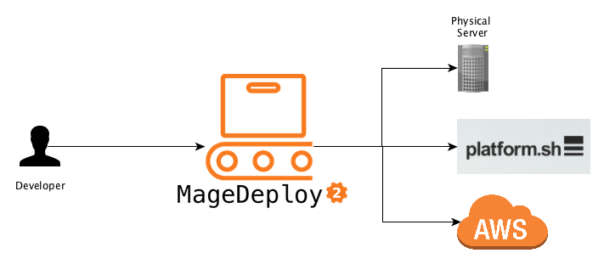
    What I came up with I called MageDeploy2 which I will introduce with this post.

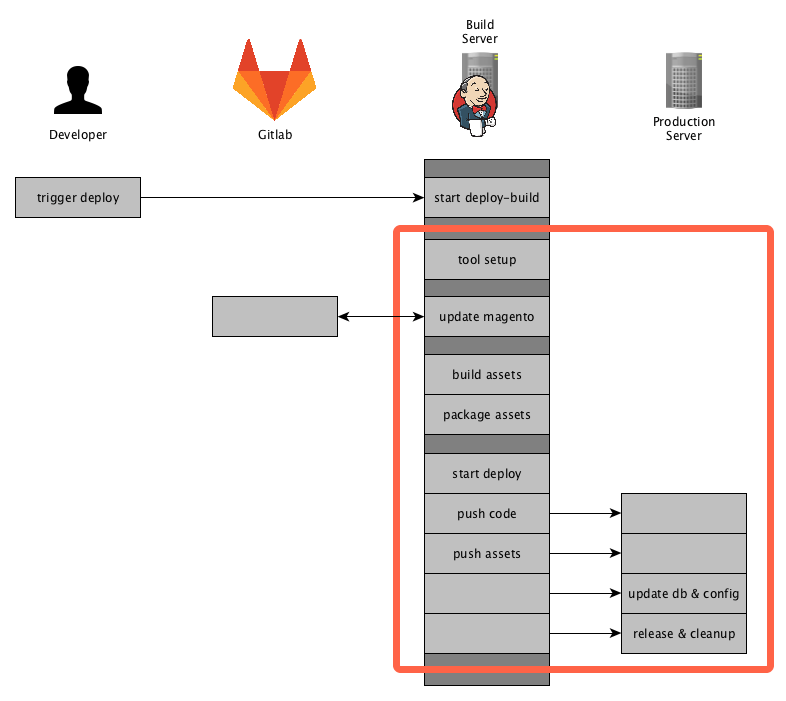
    If you read the previous post you will probably remember the diagrams showing the actions executed on the particular servers. I used one of those to mark the areas which will be provided by the MageDeploy2 setup.

    Now let’s go into details on how those phases and steps are implemented and what you need to get started with a PUSH deployment for Magento2 yourself.

    About MageDeploy2

    MageDeploy2 combine’s multiple technologies and open-source projects to provide the deployment setup.
    It basically is a set of tools, configurations files, some custom tasks for Robo and Deployer, all tailored to fit the needs of deploying a Magento2 project.

    For those new to Robo and Deployer:

    • Robo is a task runner that allows you to write fully customizable tasks in common OOP PHP style http://robo.li/
    • Deployer is Deployment tool for php, which follows a approach similar to capistrano https://deployer.org/

    I will not go into to much detail on how those tools work, you can get that from their designated websites and documentation.

    MageDeploy2 can be divided into 3 phases that can each be triggered separately.

    • magento-setup (preparing a local magento-setup)
    • artifacts-generate (generating the assets and packaging them)
    • deploy (release to production environment)

    Those phases are implemented as commands in the RoboFile.

    MageDeploy2 is divided into different packages that are installed when installing through composer.

    • mwltr/robo-deployer : contains Robo-Tasks for deployer
    • mwltr/robo-magento2 : contains Magento2 specific Robot-Tasks

    Those Robo-Tasks are not a full set of all possible commands and options but currently offer the commands and modifiers needed in deployment scenario. They are decoupled and can be re-used in other projects.

    As far as the deployer setup is concerned, MageDeploy2 uses n98/n98-deployer to include deployer configurations and tasks, them being:

    • set of Magento2 specific tasks
    • Magento2 Default Recipe
    • RoleManager for servers
    • optimized deployer standard tasks

    Requirements

    As I mentioned earlier, Magento2 Deployment Setup is using Robo to control the local setup and the overall deployment process. To achieve the actual deployment to the distinct environment it comes with a pre-configured Deployer setup. Please note that using Deployer is not mandatory, you can use whatever tool you like.

    It also expects that you have a git repository available, where you have commited your Magento2 composer.json file in either the root or in a sub-directory. Right now we are only supporting git but it should not be that big of a problem to connect to another VCS.
    Finally you need to have configured the access to the Magento composer repository for your current user.

    Create a new Deployment

    To Create a new deployment setup just run the following command.

    composer create-project mwltr/magedeploy2-base <dir>

    Note: Robo needs to be installed using composer, otherwise the usage of custom Tasks is not available. See the Robo Documentation Including Additional Tasks

    Configuration

    After the Installation you have to edit the magedeploy2.php and the deploy.php file to suit your needs. MageDeploy2 assumes you have a git repository containing the magento composer.json. Furthermore your local build environment can clone said repository and download the Magento packages using composer.

    MageDeploy2 Configuration

    To configure the MageDeploy2 use the following command:

    ./vendor/bin/robo config:init

    It will guide you throught the most important configuration options. Don’t worry you can edit the magedeploy2.php later-on.

    Next, run

    ./vendor/bin/robo validate

    to validate your build environment is setup.

    Setup local build environment

    If you are done with the configuration in magedeploy2.php, you can see if your build environment can be setup. To do so run this command:

    ./vendor/bin/robo deploy:magento-setup develop

    You can use a different branch or tag depending on your git repository setup.

    After the magento-setup has run successfully, you can now generate the assets by running the command:

    ./vendor/bin/robo deploy:artifacts-generate

    After this command is complete you should see the packages beneath shop.

    At this point we are sure that the local build setup is working and we can now continue with releasing our project.

    Deployer Configuration

    To evaluate we will create a local deployment target. To do so copy the local.php.dist by runing

    cp config/local.php.dist config/local.php

    and set the config values according to your local deploy target.

    Check the configuration in deploy.php and adjust it to your requirements. The default configurations and tasks are defined in \N98\Deployer\Recipe\Magento2Recipe. You can also have a look at all the configurations available in the Deployer Documentation

    Setting up deploy directory tree

    After you are done with setting the configuration, you can now initialize the directory tree of the deploy target run

    ./vendor/bin/dep deploy:prepare local

    This will create the required directories on your local deploy target.

    Setting up deploy target (optional)

    If you want to set up your deploy target as well you can use the command

    ./vendor/bin/dep server:setup local

    It will make an initial deployment to push your code to the deploy target.

    When this is done navigate to your local deploy_path and run the magento install command to setup the database. This might look something like this:

    cd <deploy_path>
    php bin/magento setup:install --db-host=127.0.0.1 --db-name=magedeploy2_dev_test_1_server --db-user=root --admin-email=admin@mwltr.de 
    --admin-firstname=Admin --admin-lastname=Admin --admin-password=admin123 --admin-user=admin 
    --backend-frontname=admin --base-url=http://magedeploy2_dev --base-url-secure=https://magedeploy2_dev 
    --currency=EUR --language=en_US --session-save=files --timezone=Europe/Berlin --use-rewrites=1

    Now we have Magento database and configuration on our deploy target and are ready to continue with the final step.

    Deploying the project

    At this point, you have setup the build environment and target environment and can finally start with the actual deployment. You can do so by running:

    ./vendor/bin/dep deploy local

    Congrats you have successfully setup your deployment pipeline and run the first deployment!

    Commands

    If you went through the tutorial above, you may have already used most of them.
    A full list of commands is available in the github repository here:
    https://github.com/mwr/magedeploy2-base#commands
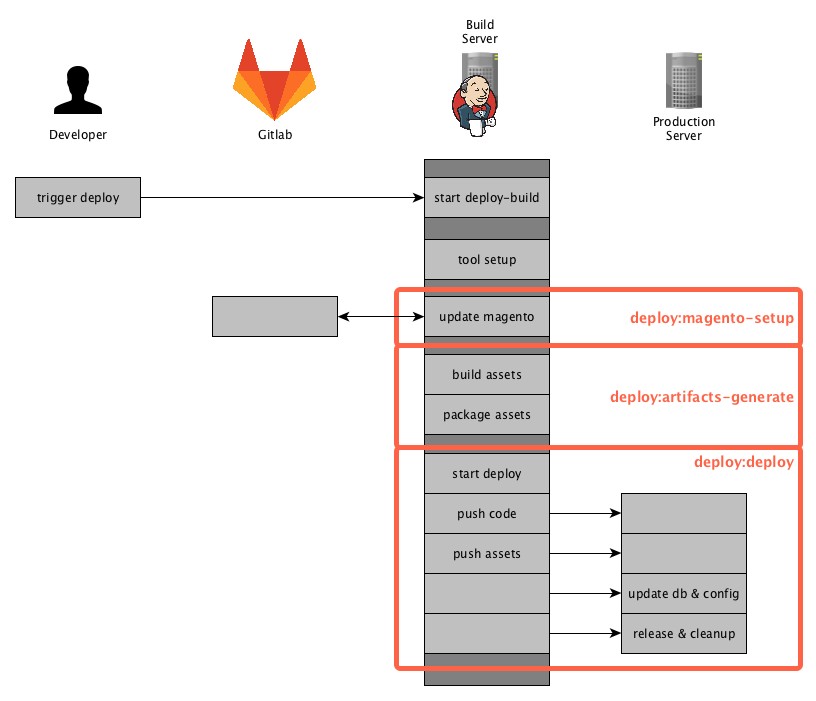
    The following diagram shows the commands responsibility within the deployment pipeline.

    deploy:magento-setup

    Runs all tasks in the stage magento-setup. It will setup or update a local Magento instance by pulling the source-code from git, installing composer dependencies and installing or updating a local database.

    deploy:artifacts-generate

    Runs the Magento di:compile and setup:static-content-deploy commands to generate the assets. It is using your configuration from the magedeploy2.php.

    After generating those assets it will create packages, again according to your configuration.

    deploy:deploy

    This command will invoke deployer to release your project and push the prepared artifacts to the server.

    deploy

    Triggers the deployment with all it’s stages and can be considered to run deploy:magento-setup, deploy:artifacts-generate and deploy:deploy internally.

    Customization

    MageDeploy2 was designed to be highly customizable to suite your needs. Here are some areas that are easy to adjust:

    • Add or overwrite Robo-Tasks
    • Add or overwrite existing or additional configuration to MageDeploy2
    • Customize Deployer but still have the basic set of tasks available
    • Exchange deployer with a different tool

    The go into details here would exceed the purpose of this introduction. We may go into details in this area in a later post though.

    Final Words

    This is it, I hope you like the tool and it will be helpful setting up a PUSH deployment of your own.
    And as always let me know your thoughts and feedback in the comments below or contact me directly.


  • A framework to prevent invalid stuff in your GIT repository

    A framework to prevent invalid stuff in your GIT repository

    The following blog post describes a a framework for managing and maintaining multi-language pre-commit hooks. The described methods adding a comprehensive quality gate to your publishing workflow. If you are using SVN instead of GIT you can skip this blog post 😛

    The framework was designed by Yelp three years ago. It brings many pre defined checks designed for a generated GIT pre-commit hook. Most of the checks are made to to run against python files. This is not a blocker for PHP developers. Fortunately the framework can be extended by scripts. It’s also possible to share the checks in extra remote repositories. So you can build a pre-commit kit for your purposes. The standard repository comes with some nice checks for i.e. XML or YAML files. Other stuff like checking for broken symlinks or “merge residues”. A complete list and a documentation can be found on project website.

    Installation

    The installation is simple. It can be done by brew or the python installer pip. Most Linux distributions come with pip already installed. Mac users can install python with pip or use brew.

    On Mac:

    brew install pre-commit

    or with Python PIP:

    pip install pre-commit
    

    After the installation we should have a binary “pre-commit”.

    Config

    For configuration a YAML format is used. All the configs are validated by pre-commit. That’s a good thing. If you have a mistake in your config file it will print out a long list of syntax rules. Config entries start with a „repo“ which must be a git repository URL. The example shows the external repository provided by hootsuite.

    - repo: git@github.com:hootsuite/pre-commit-php.git
       sha: 1.2.0
       hooks:
       - id: php-lint
       - id: php-unit
       - id: php-cs-fixer
         files: \.(php)$
    

    Hooks can also be defined locally. Add the pseudo repository name „local“:

    - repo: local
      hooks:
        - id: "run-unit-tests"
          name: "Run Unit-Tests"
          entry: "./vendor/bin/phpunit"
          language: "script"
          always_run: true
          files: \.(php)$

    Every rule must have an IDE. That’s important if you share a rule in your own repository. If the rule is provided by an external repository it must be defined in a „hooks.yaml“ file. To use the hooks in your lokal project a .pre-commit-config.yaml file must be created.

    Install the hooks

    The installation of the hooks in your config can be done by running pre-commit install. That’s all we need to do. After that all our commits are checked by the installed hooks.
    It’s also possible to update the YAML file versions like „composer update“ with pre-commit autoupdate. This fetches the newest version of the commits from remote repositories.

    Test the hooks

    Simply run pre-commit run --all-files to test all hooks against the whole local working copy.

    Commit your code

    Congratulations! You have now a QA step between you and your CI server. If you commit some code the automatic checks should run and prevent bigger issues. To secure the complete project it’s necessary to setup the same checks on your continuous integration server. If you don’t have a CI-Server like Jenkins, Gitlab etc. and working for your own this setup is good enough.

    git commit -a

    Example config for a PHP library

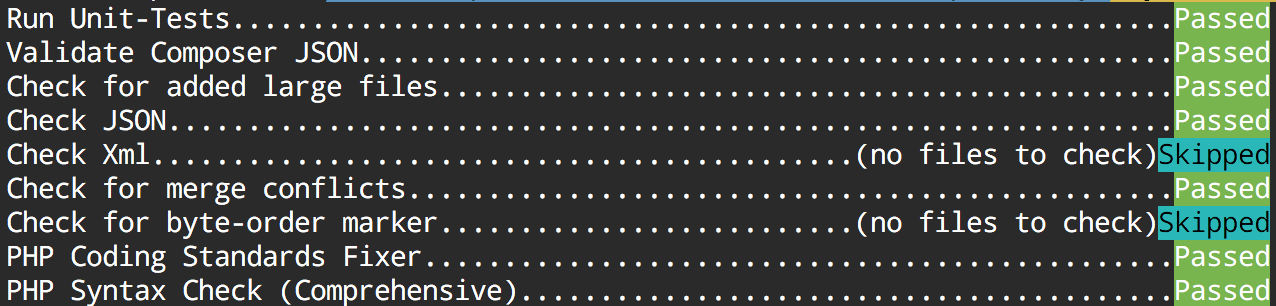
    This config provides us the following checks:

    • Validate composer.json file with composer
    • Prevent large files in commits like a database dump
    • Check for valid JSON and XML files
    • Check if merge conflict entries are not resolved
    • Check if a file has a wrong BOM
    • Run php-cs-fixer and fix code against a .php_cs file.

    Example .pre-commit-config.yaml:

    -   repo: local
        hooks:
        -   id: validate-composer-json
            name: Validate Composer JSON
            entry: "composer validate --strict"
            language: system
            files: composer\.json
    -   repo: git://github.com/pre-commit/pre-commit-hooks
        sha: 5da199bb8d60f764c0f77a20b0a1dc3a7640bcdd
        hooks:
        -   id: check-added-large-files
        -   id: php-unit
        -   id: check-json
        -   id: check-xml
        -   id: check-merge-conflict
        -   id: check-byte-order-marker
    -   repo: git://github.com/hootsuite/pre-commit-php.git
        sha: 1.2.0
        hooks:
        -   id: php-cs-fixer
            args:
            - -q
            - --config-file=.php_cs
        -   id: php-lint-all

    Output:

    If you find the concept good, we would be happy if you leave a comment.

    Have fun!


    PS: Thanks to David Lambauer for discovering the framework at netz98.

  • PSR-7 Standard  – Part 1  – Overview

    PSR-7 Standard – Part 1 – Overview

    This post is part of series:


    This is the first post of my new PSR-7 series. If you already use PSR-7 in your daily life as programmer you can skip the first part of this post.

    What is PSR-7?

    PSR-7 is a standard defined by the PHP-FIG. It don’t like to repeat the standard documents in my blog post. The idea is to give you some real world examples how you can use PSR-7 in your PHP projects. If you investigate the standard you can determine that it doesn’t contain any implementation.

    Like the other standard of the FIG it only defines PHP interfaces as contracts. The concrete title of the standard is HTTP message interfaces. And that’s all what it defines. It defines a convenient way to create and consume HTTP messages. A client sends a request and a server processes it. After processing it, the server sends a response back to the client.

    Nothing new? Yes, that is how any PHP server application works. But without PSR-7 every big framework or application implements it’s own way to handle requests and responses. Our dream is that we can share HTTP related source code between applications. The main goal is: interoperability.

    History

    Before any PSR standard we had standalone PHP applications. There were some basic PHP libraries to use. Most of the code was incompatible. With PSR-0 we got an autoload standard to connect all the PHP libraries.

    The PSR-7 is a standard to connect an application on HTTP level. The first draft for PSR-7 was submitted by Michael Dowling in 2014. Michael is the creator of Guzzle, a famous PHP HTTP client library. He submitted his idea. After that the group discussed the idea behind a standardized way to communicate with messages. Matthew Weier O’Phinney (the man behind Zend Framework) took over the work of Michael.

    In May 2015 we had an officially accepted PSR-7. After that the most big frameworks adopted the standard or created some bridge/adapter code to utilize the new standard.

    Overview

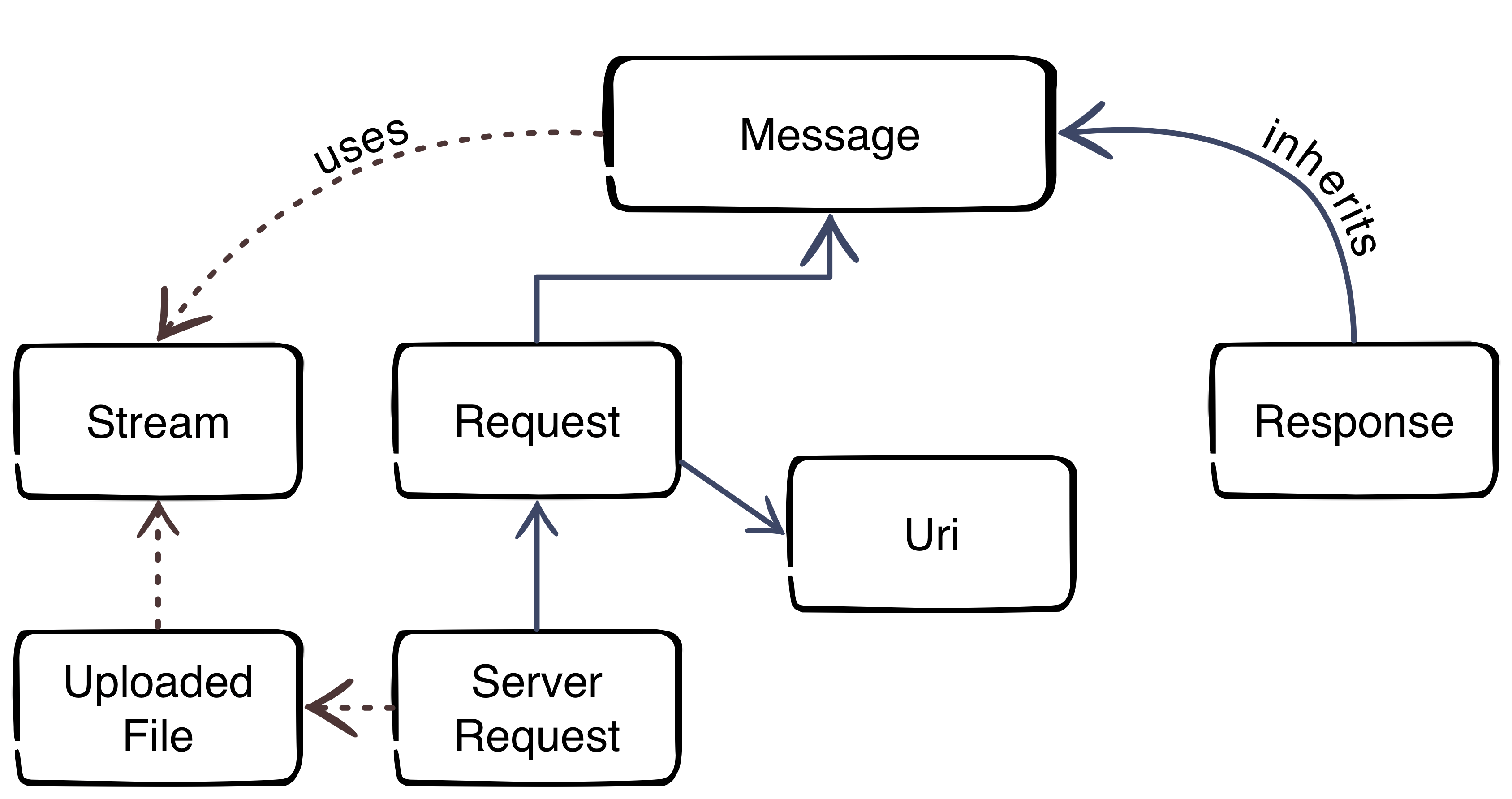
    Thanks to Beau Simensen


    The image gives us an overview about the PSR-7 interfaces. The blue color represents the inheritance. The message interface is the main interface of the standard. The request of a client and the response of the server inherit the message interface. That’s not surprising, because the message utilizes the HTTP message itself. The red dotted lines clarify the usage of other parts.

    Request-flow with PSR-7

    The main flow with PSR-7 is:

    1. Client creates an URI
    2. Client creates a request
    3. Client sends the request to server
    4. Server parses incoming request
    5. Server creates a response
    6. Server sends response to client
    7. Client receives the response

    This was the first part of the blog series. The next part will look more closely at the request and the URI.

  • Solving a 2006 MySQL error connection timeout in Magento1

    Solving a 2006 MySQL error connection timeout in Magento1

    In my recent task I was testing a web crawler script which uses Magento database information for the crawling requests. I have encountered the following error:

    Fatal error: Uncaught exception ‘PDOException’ with message ‘SQLSTATE[HY000]: General error: 2006 MySQL server has gone away’ in lib/Zend/Db/Statement/Pdo.php:228
    The Problem

    This error occured after around 45 minutes of script runtime.
    The script was written in a way that it was possible that there is no database interaction for a longer period.
    In consequence to that when the script reached a point where it was trying to save or fetch something from the database, the mysql connection ran into a timeout – unnoticed by the script.
    Thus resulting in the above mentioned MySQL error.

    mysql wait_timeout

    The variable controlling this timeout from MySQL is the wait_timeout system variable.

    Definition from MySQL Reference Manual :

    “The number of seconds the server waits for activity on a non-interactive connection before closing it.”

    As it turns out we have already had this situation in another project – thanks to the netz98 developers for the hint.
    The Solution

    The solution is to close the connection before using it – in case of long running and un-interrupted code part that does no database communication.

    We have added the following code snippet to our ResourceModel:

    /**
     * Initialize the ReadAdapter (force a re-connect)
     *
     * @param bool $useNewConnection
     * @return Varien_Db_Adapter_Pdo_Mysql
     */
    protected function _initReadAdapter($useNewConnection = false)
    {
        /** @var Varien_Db_Adapter_Pdo_Mysql $adapter */
        $adapter = $this->_getReadAdapter();
    
        /**
         * In some occasions we want to use a fresh connection to fetch table data
         * when crawling takes longer (between queries) than the configured mysql wait_timeout
         *
         */
        if ($useNewConnection === true) {
            $adapter->closeConnection();
        }
        return $adapter;
    }

    With this method the Connection within the Adapter can be closed. When it is closed the connection will be re-initialized automatically with the next Database Interaction that is triggered by our code. To do so we introduced the parameter $useNewConncetion which enforces this behaviour.

    Each time we have reached a point in our script where it could be possible that the connection hit the wait_timeout we just call this method with useNewConnection set to true.

    I hope this article is helpful for you, in case you face the same situation. Feel free to comment if you faced this issue too or if you have any additions.

    Update: Keep alive implementation by Ivan Chepurnyi (@IvanChepurnyi)

        /**
         * Zend db adapter validation, in order to get rid of possible server gone away
         *
         * @param Zend_Db_Adapter_Abstract $adapter
         * @return bool
         */
        protected function _validateConnection(Zend_Db_Adapter_Abstract $adapter)
        {
            try {
                // Execute simple non heavy query
                return $adapter->fetchOne('SELECT 1') === '1';
            } catch (Zend_Db_Statement_Exception $e) {
                $adapter->closeConnection();
            }
    
            return $adapter->getConnection() !== null;
        }